Auto-Populate Contact Lookup in Power Pages Using Associated Table Reference

Auto-populating a contact lookup with the current portal user when creating a record in Power Pages or Power Portals is a user-friendly feature that simplifies data entry. By leveraging the Associated Table Reference configuration, administrators can automatically link the logged-in portal user to a specific contact entity without needing custom code. This approach reduces errors, improves data consistency, and enhances the user experience. It is particularly useful in scenarios where the logged-in user needs to be directly associated with records, such as case submissions or profile updates, streamlining workflows within portals.
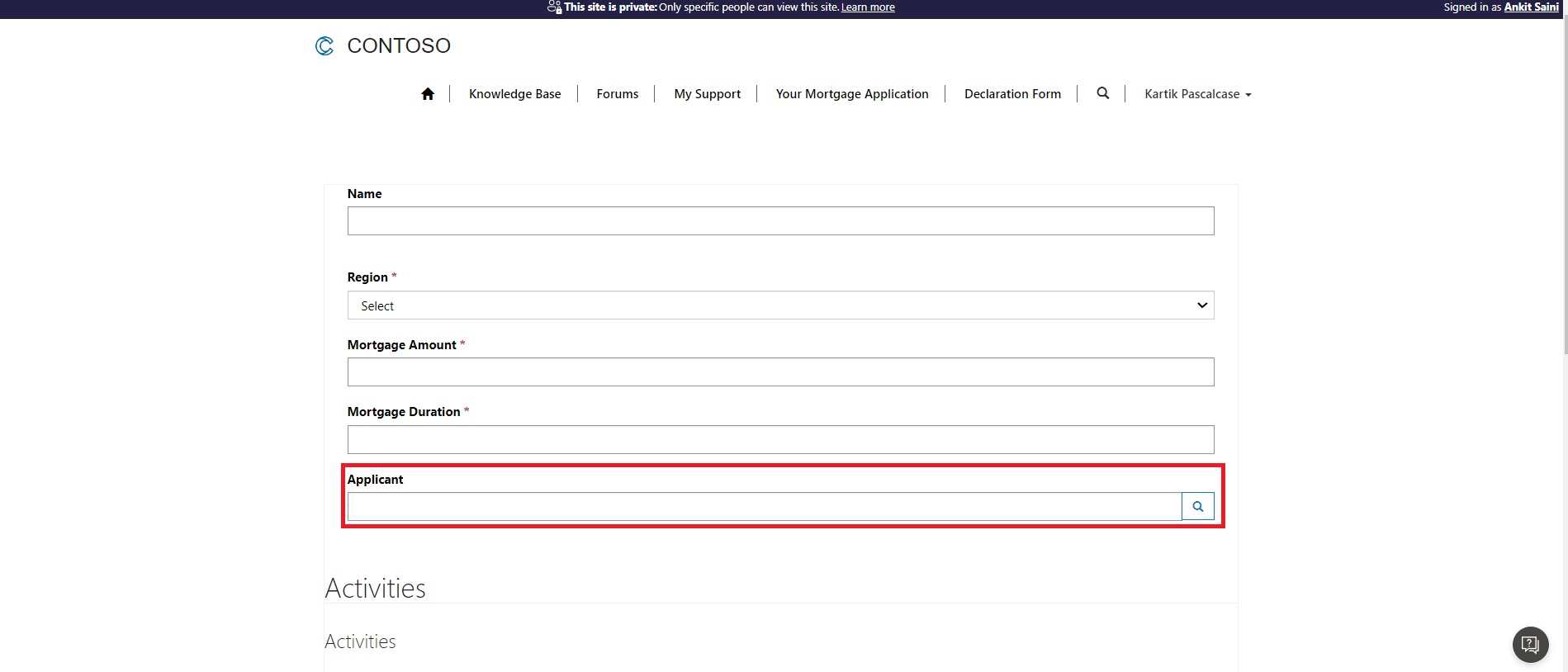
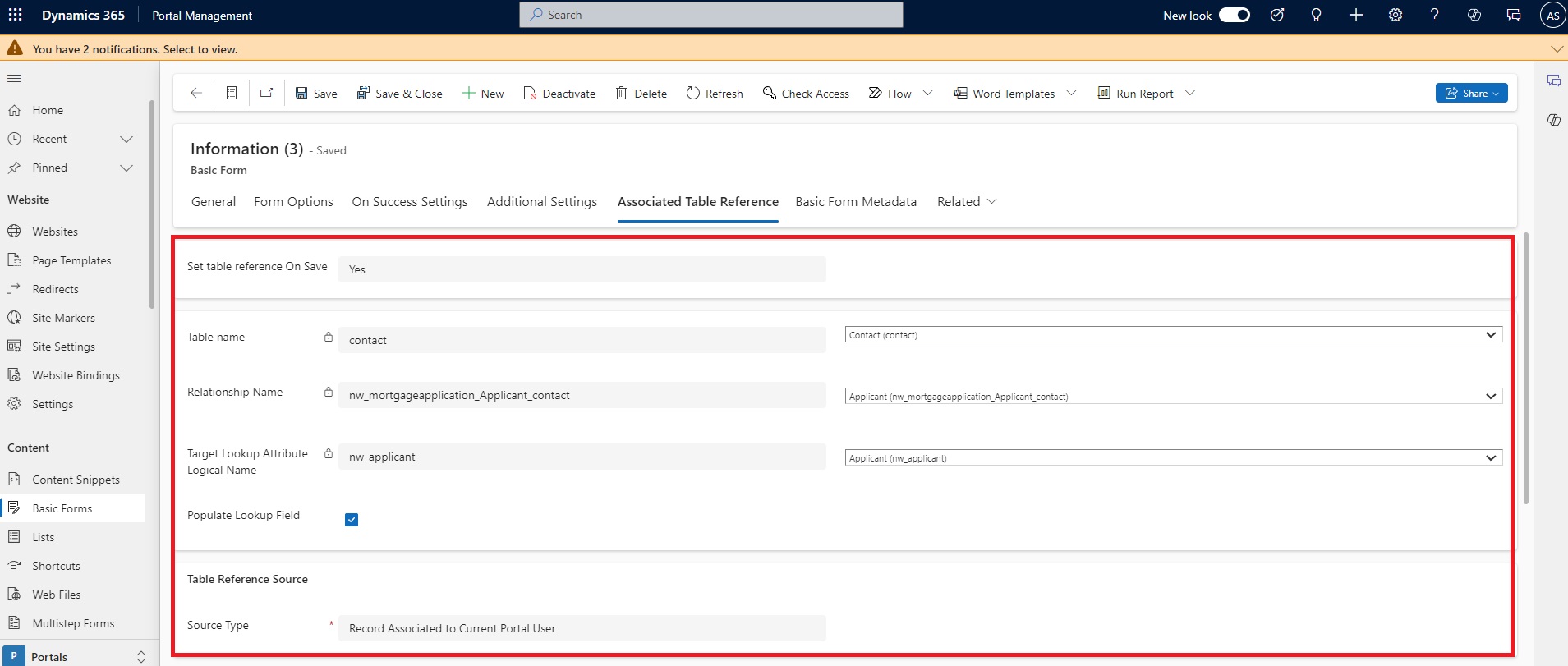
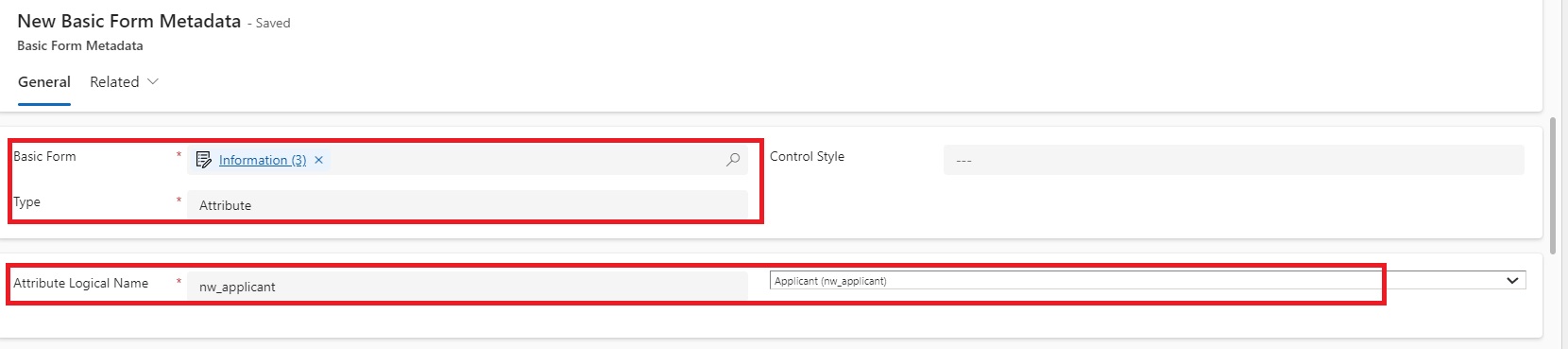
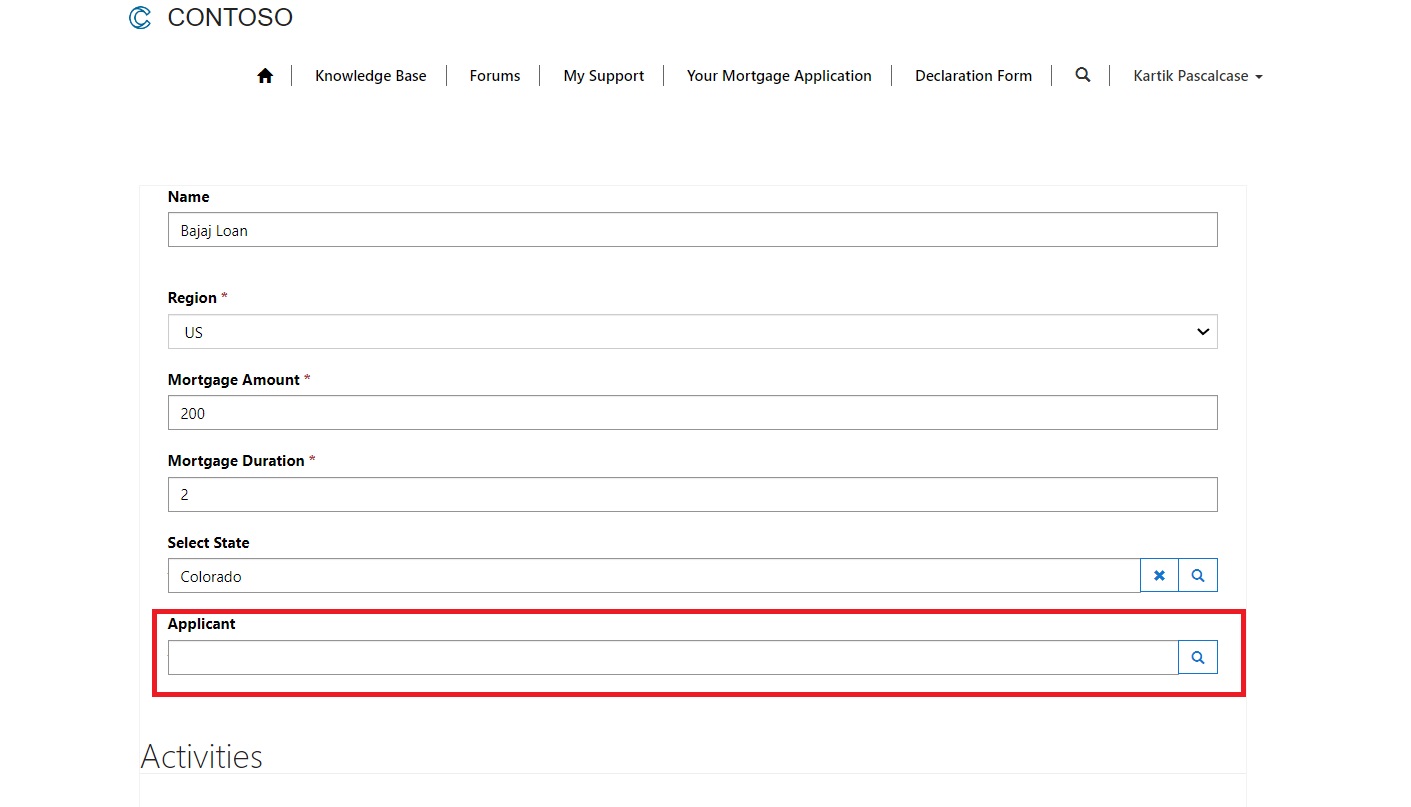
The business need is, when a new record is created using above form, the Applicant lookup which is pointing to contact entity must be auto saved using current portal user login so that user should not select the value manually.
For this, we must follow the below steps.
Configure Associated Table Reference configuration
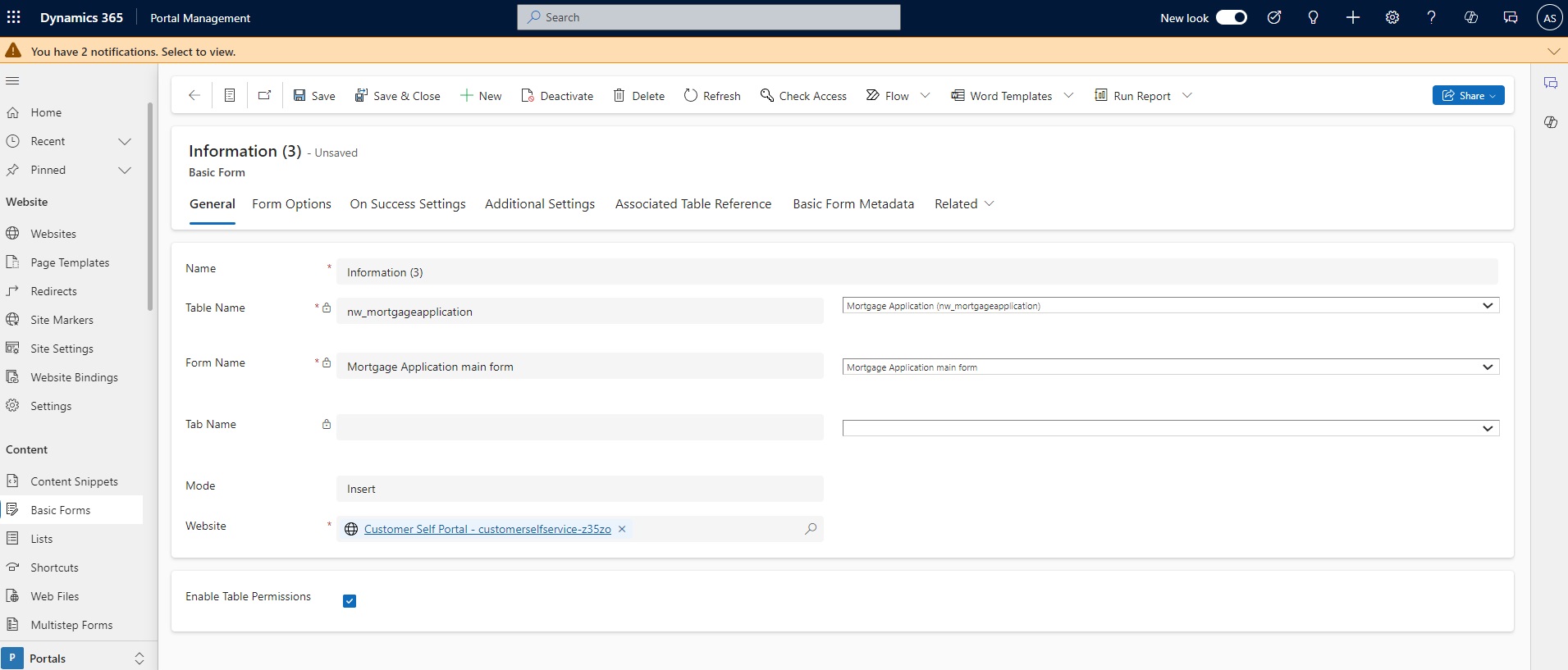
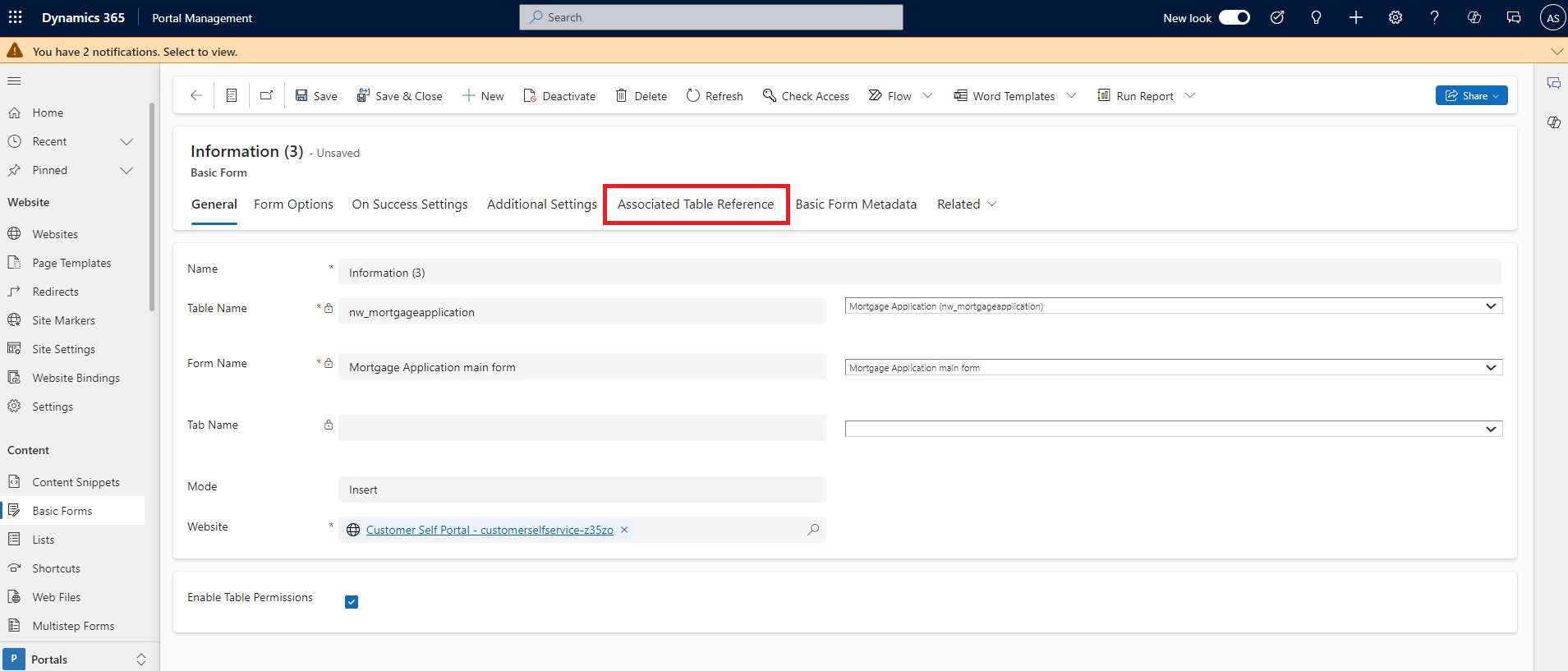
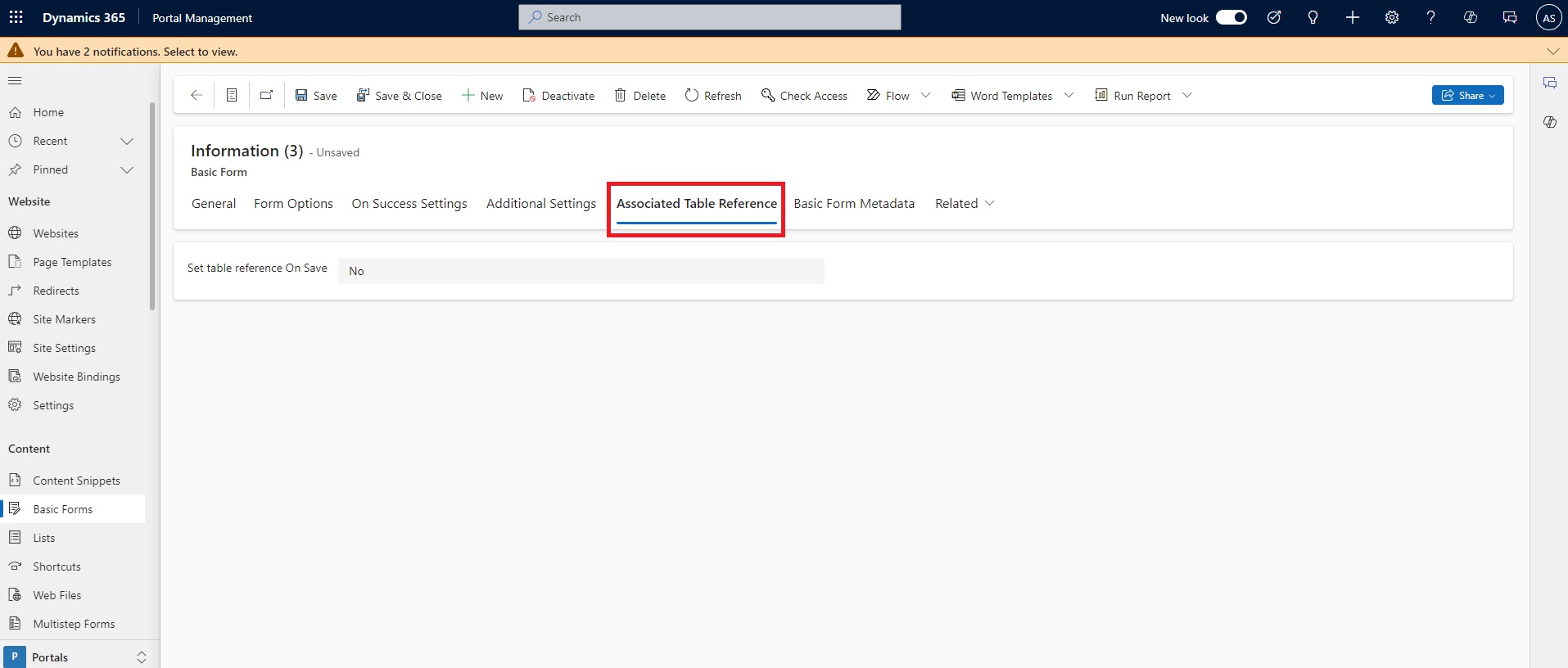
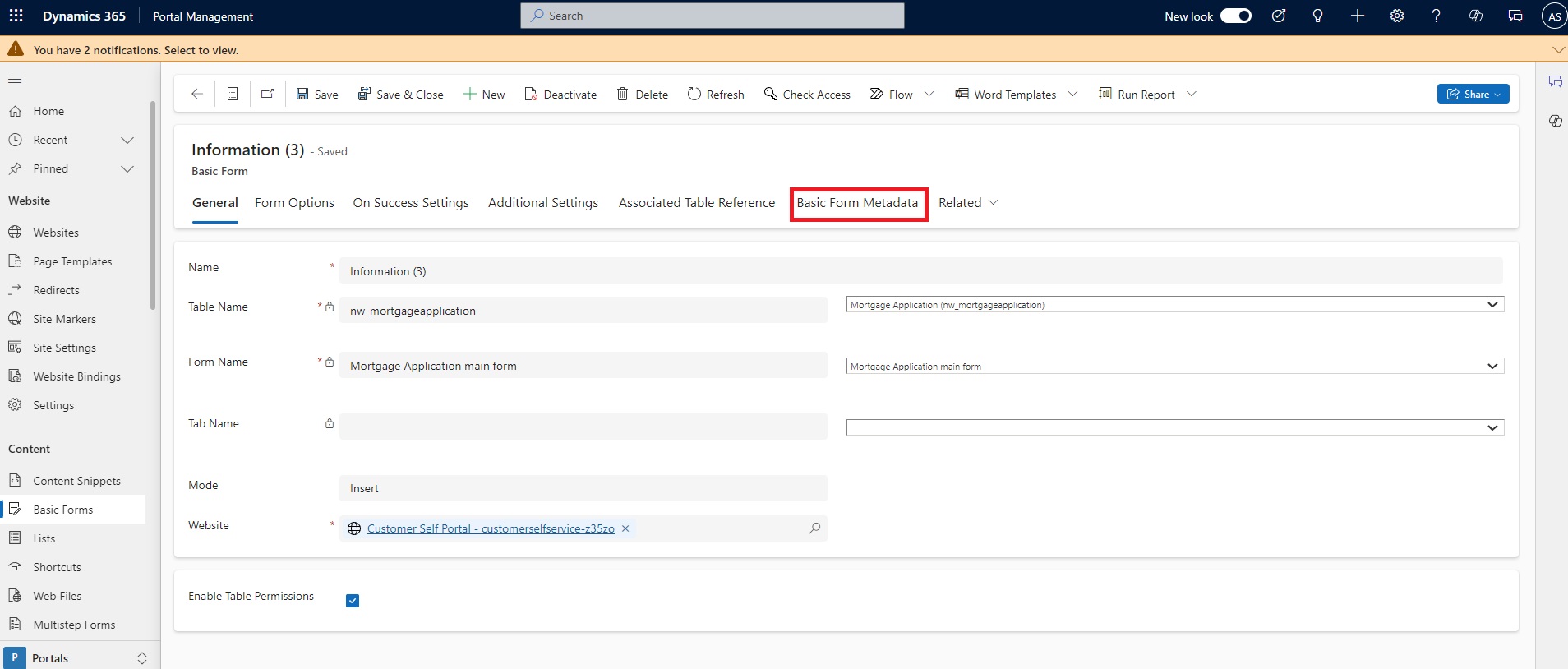
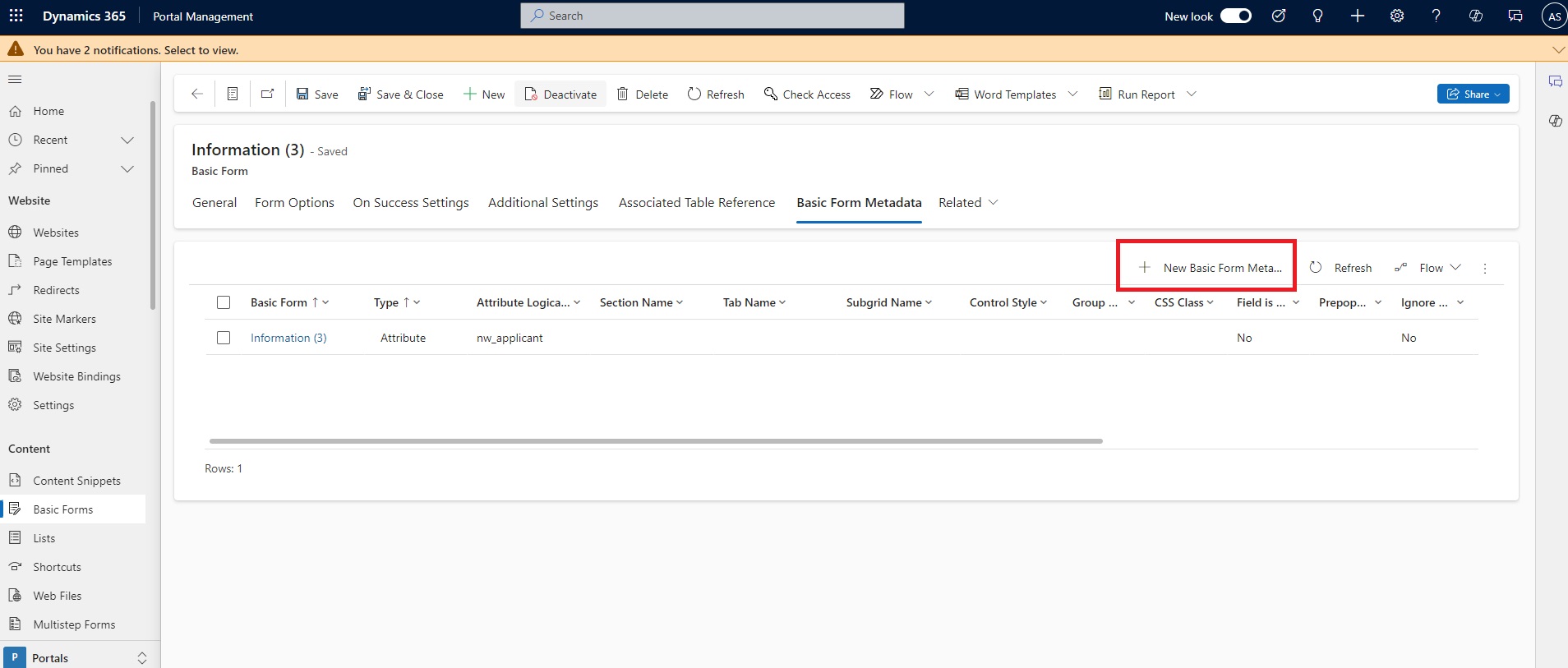
Open the form which needs to update. For my case, it’s Create Mortgage Application Form. Navigate to the form and select Tab Associated Table Reference.
Steps to Navigate to the Form -:
Go to the Power Pages Site and Sign In.
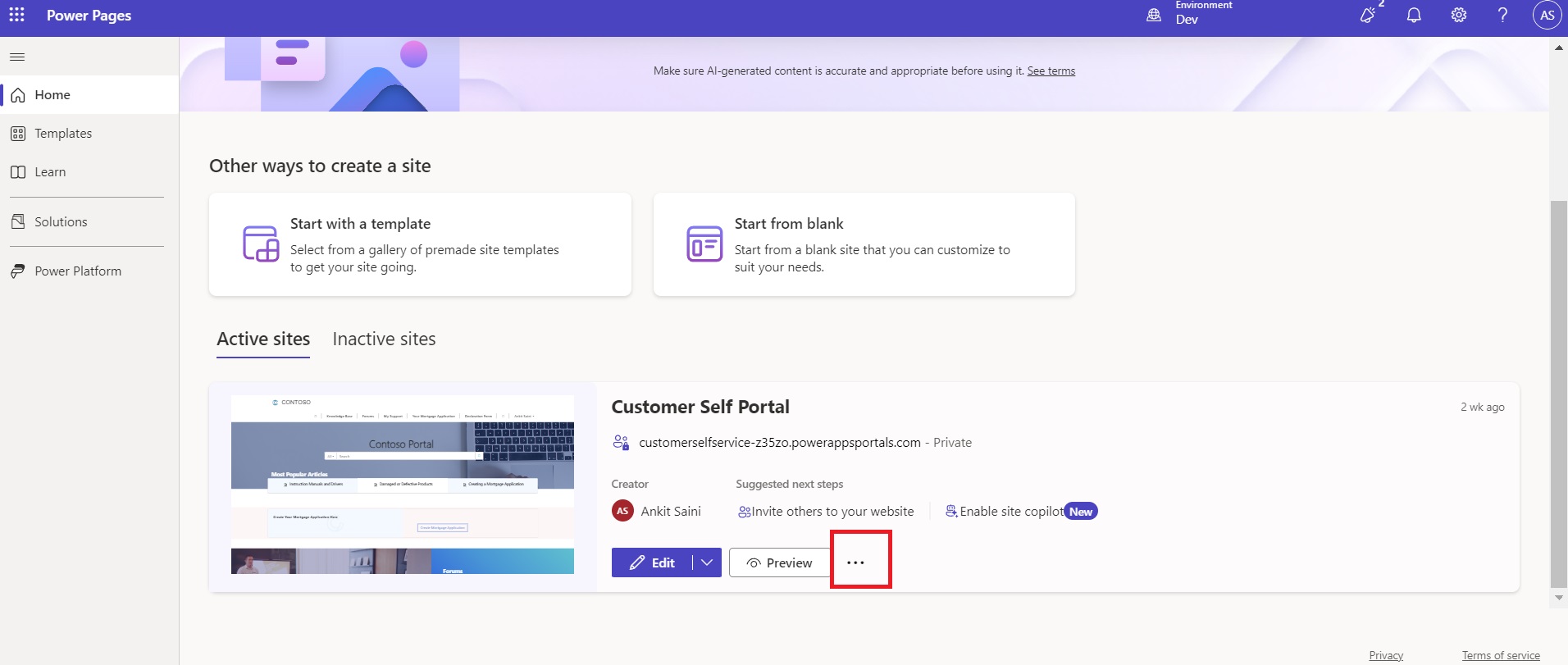
Select the app and click on the three dots
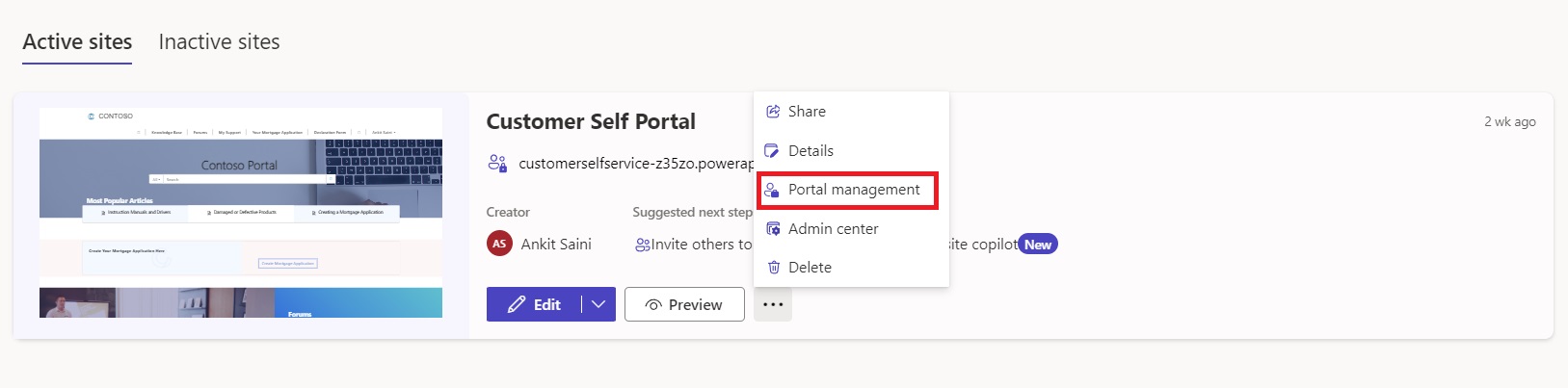
Select the Portal Management.
A portal app will open in a new tab. Go to the form, which in my case is the Mortgage Application Form (Information).