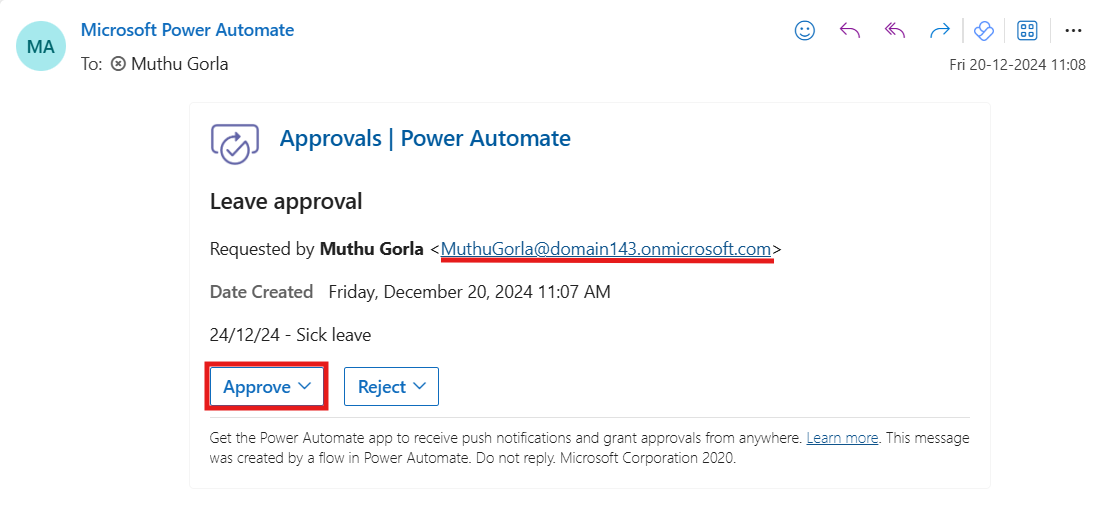
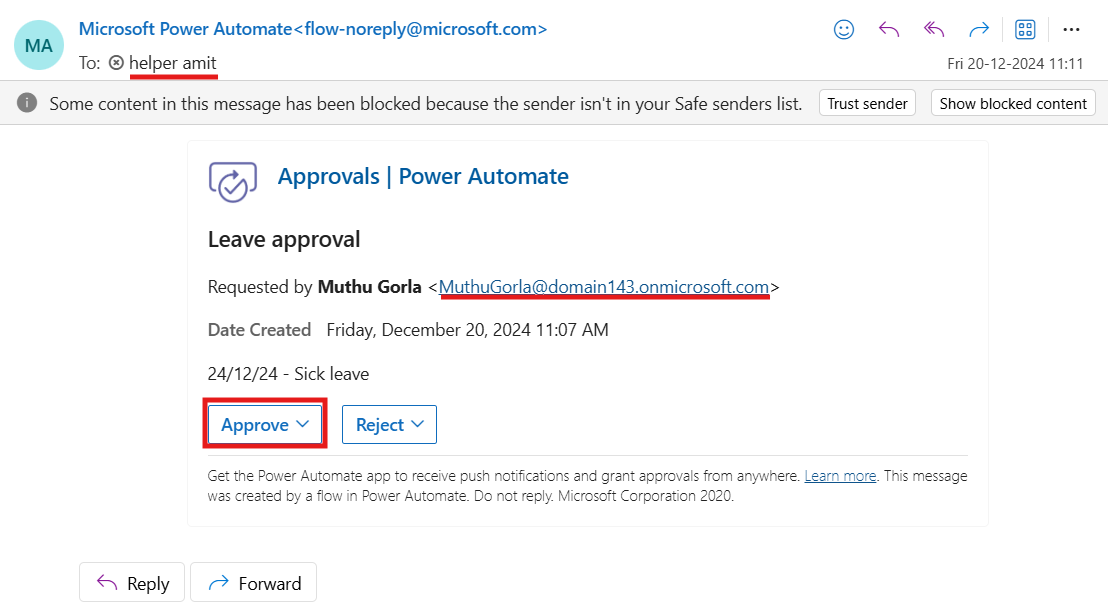
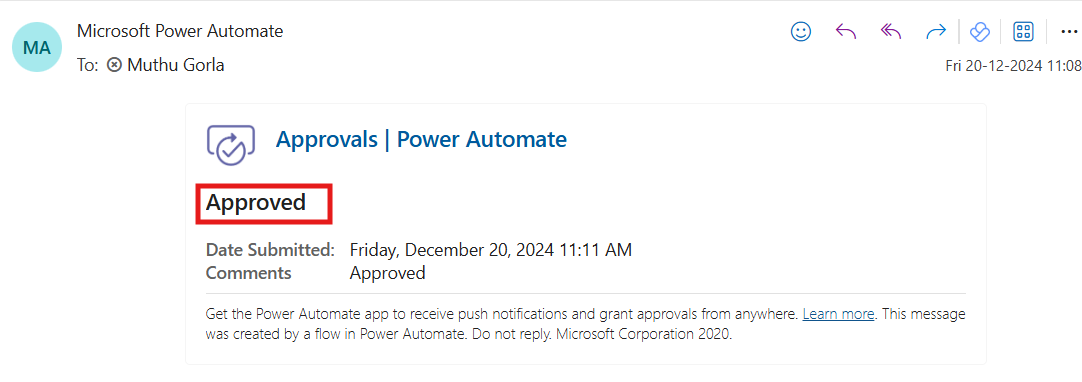
Creating Sequential Approval in Power Automate

Sequential approval is the process of sending a task or request to multiple people one after another. Each approver must approve or reject the request before it moves to the next step in the sequence. This contrasts with parallel approval workflows, where multiple approvers can act simultaneously.
Benefits of Sequential Approval:
Structured Decision Making: Requests are evaluated in a systematic manner, progressing from less to more senior stakeholders.
Tracks individual action: Tracks who signed off or blocked at every step.
Compliance: Maintain a log of the approval and audit process for meeting compliance necessities.
Prerequisites:
Subscription to Power Automate.
Office 365 Outlook and Office 365 Users account.
Create your flow:
Firstly, sign in to Power Automate.
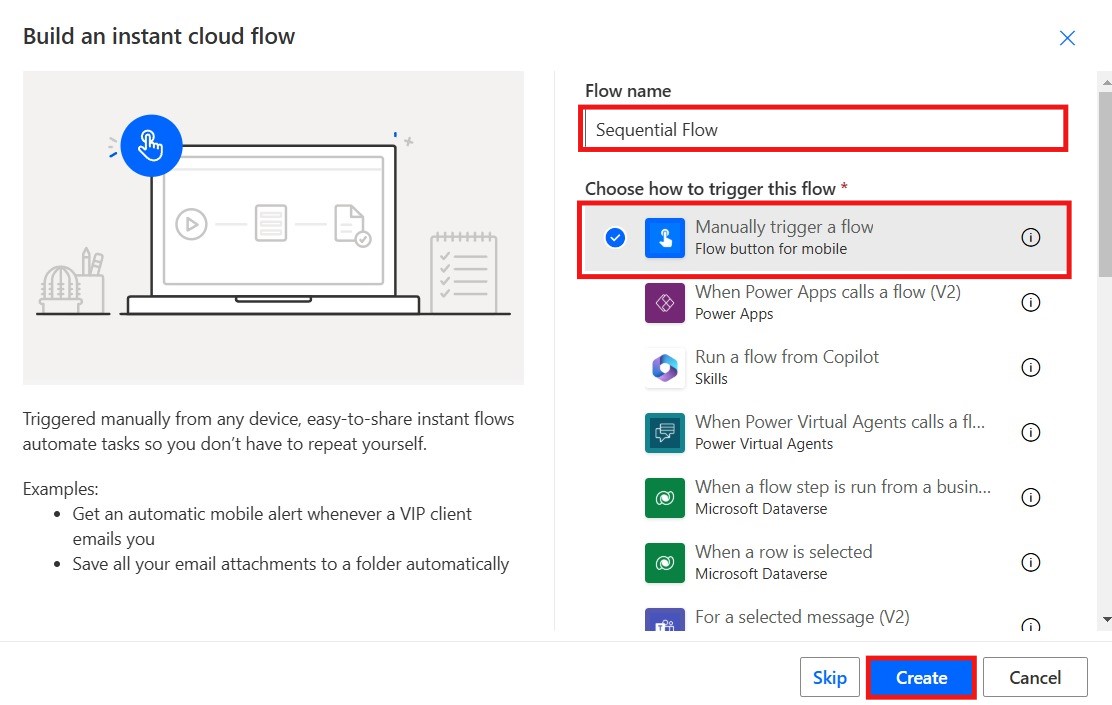
Select create and choose Instant cloud flow.
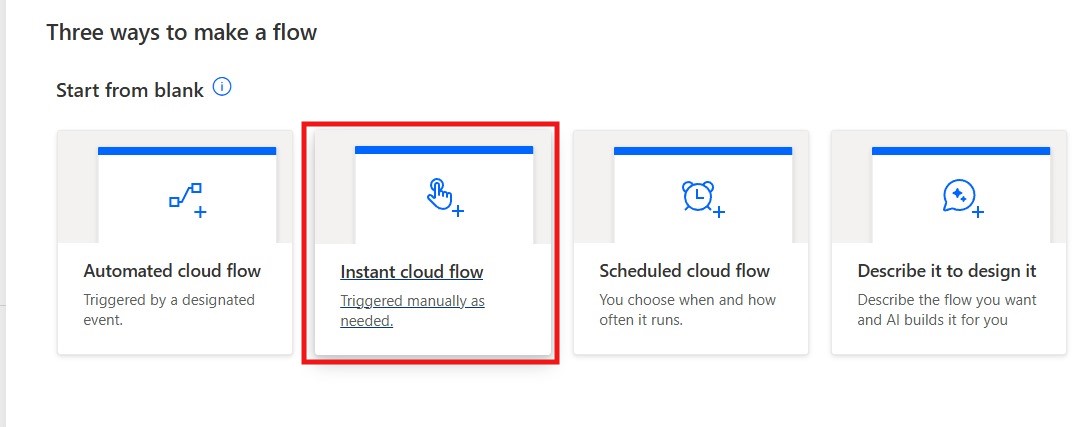
Give your flow a name and choose a trigger “Manually trigger a flow”.
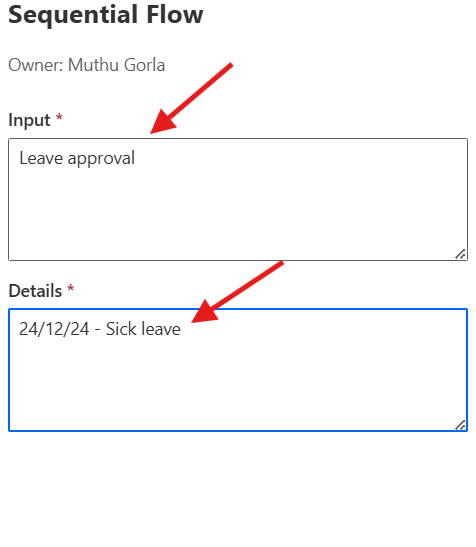
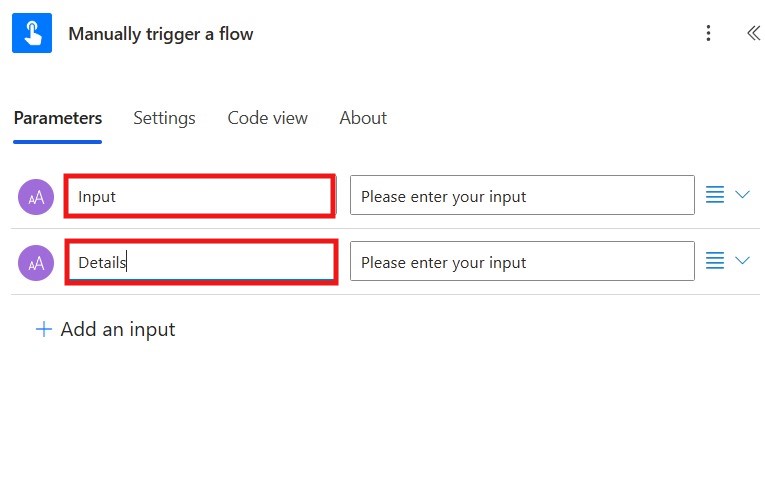
Add the text parameters in the trigger.
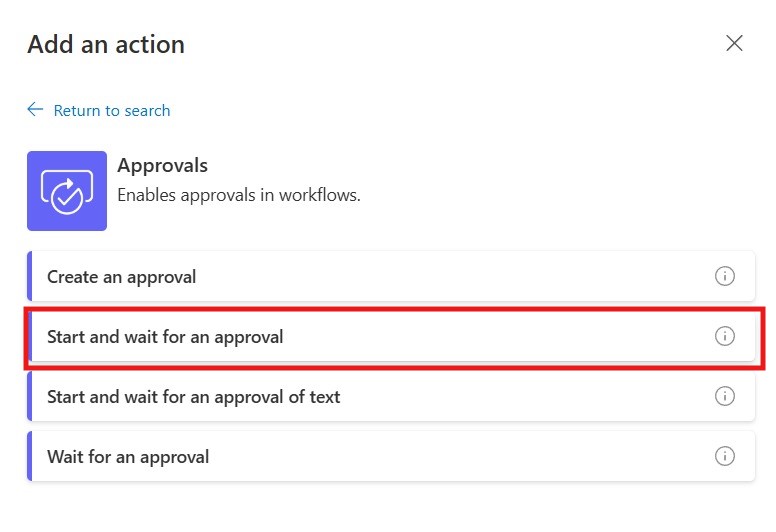
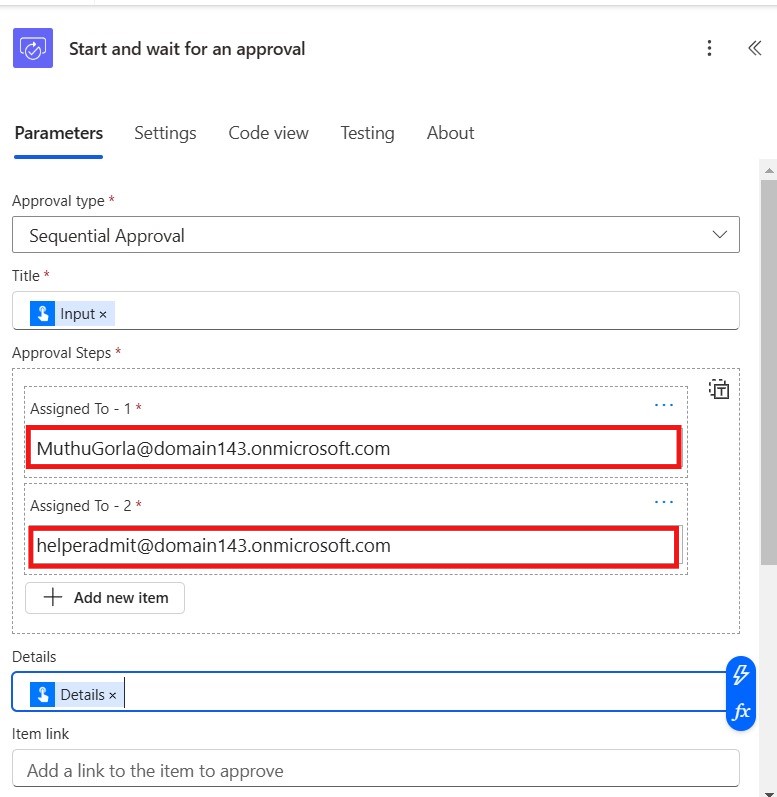
Add “Start and wait for an approval” action. It sends an approval request to specified users and pauses the flow until a response is received.