Blocking Unmanaged Customizations in Power Apps
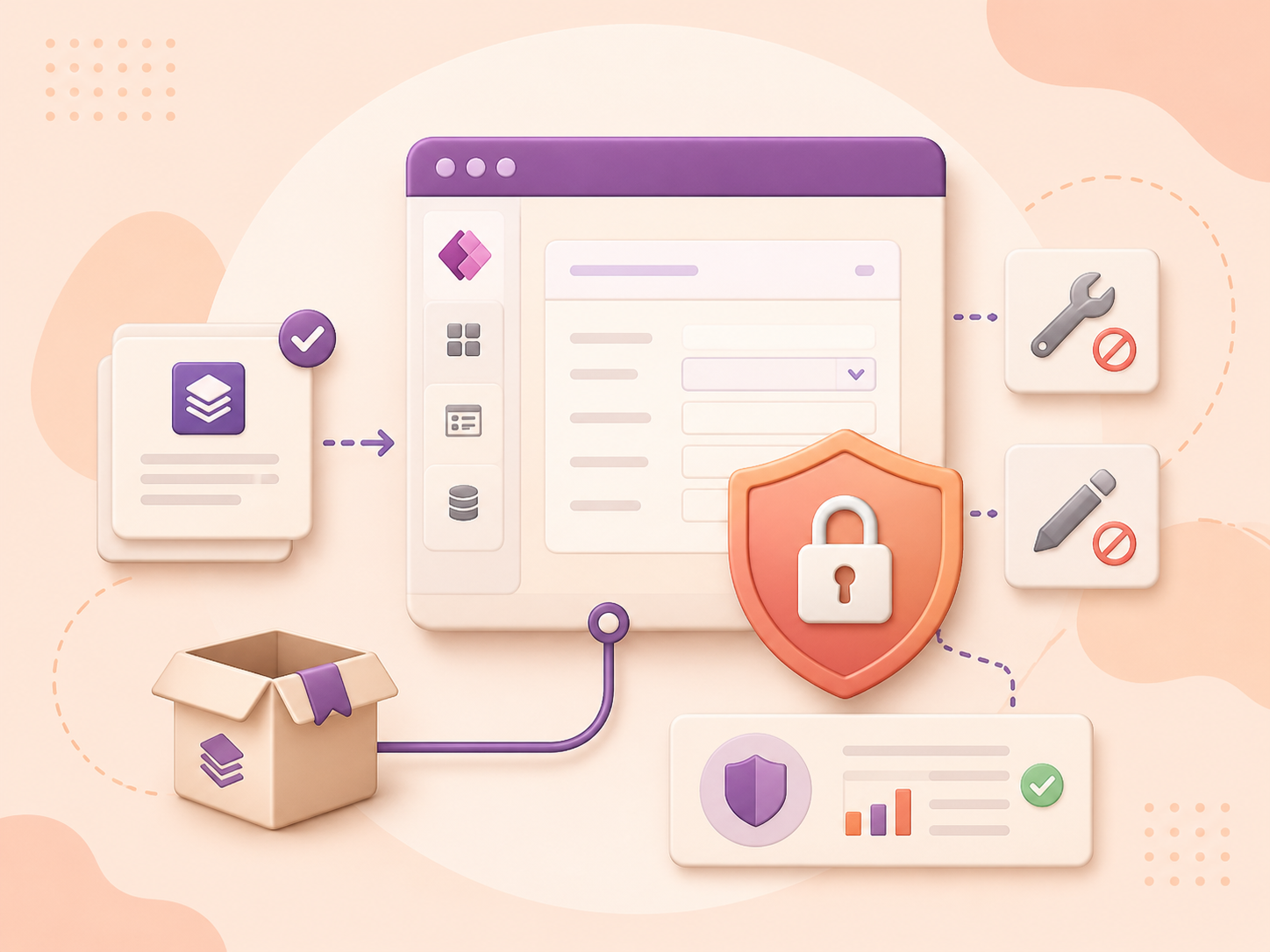
The Block Unmanaged Customizations feature allows administrators to prevent the creation, modification, and import of unmanaged solutions in production environments. This helps maintain consistency, stability, and governance across different environments. Administrators can easily activate this feature in environment settings, promoting a more structured and reliable customization process.
To enable the Blocking Unmanaged Customizations (Preview) feature in Dynamics 365 follow these steps:
Navigate to Power Platform Admin Center.
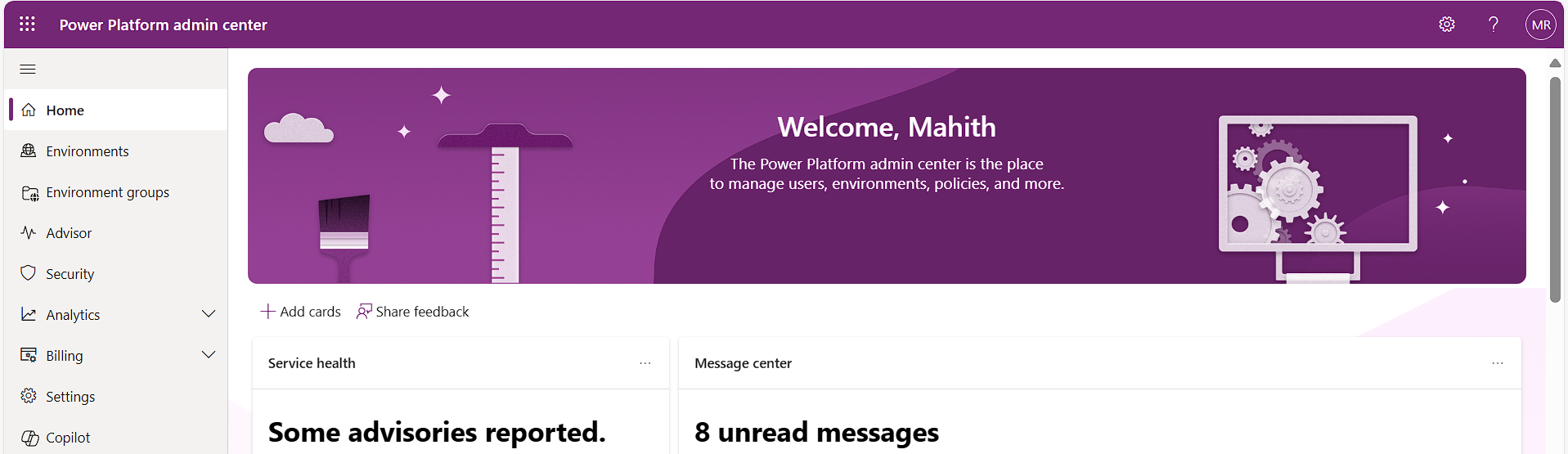
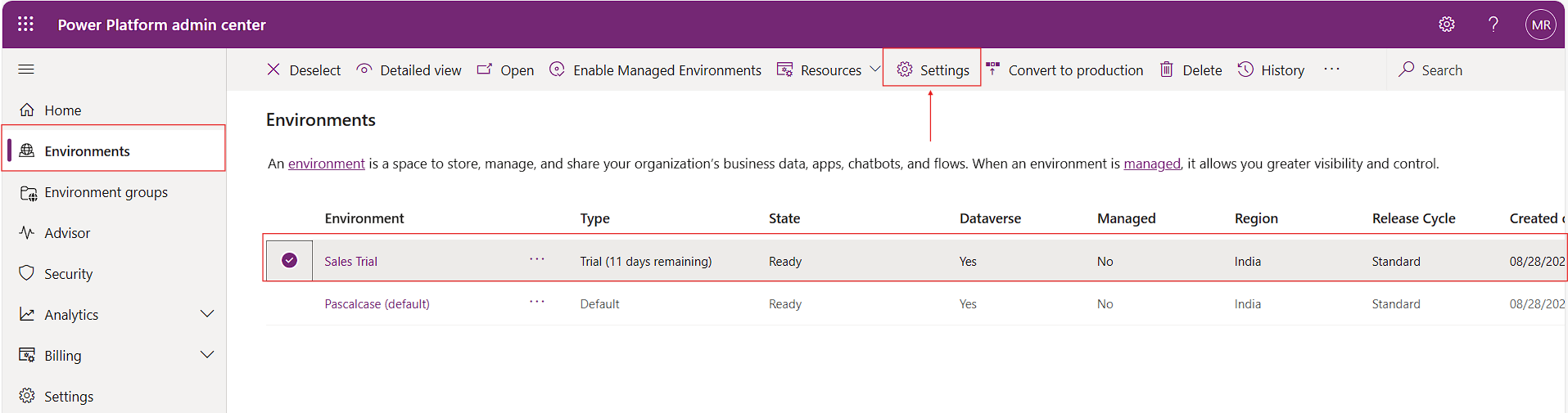
Go to Environments, select the environment, and click on settings.
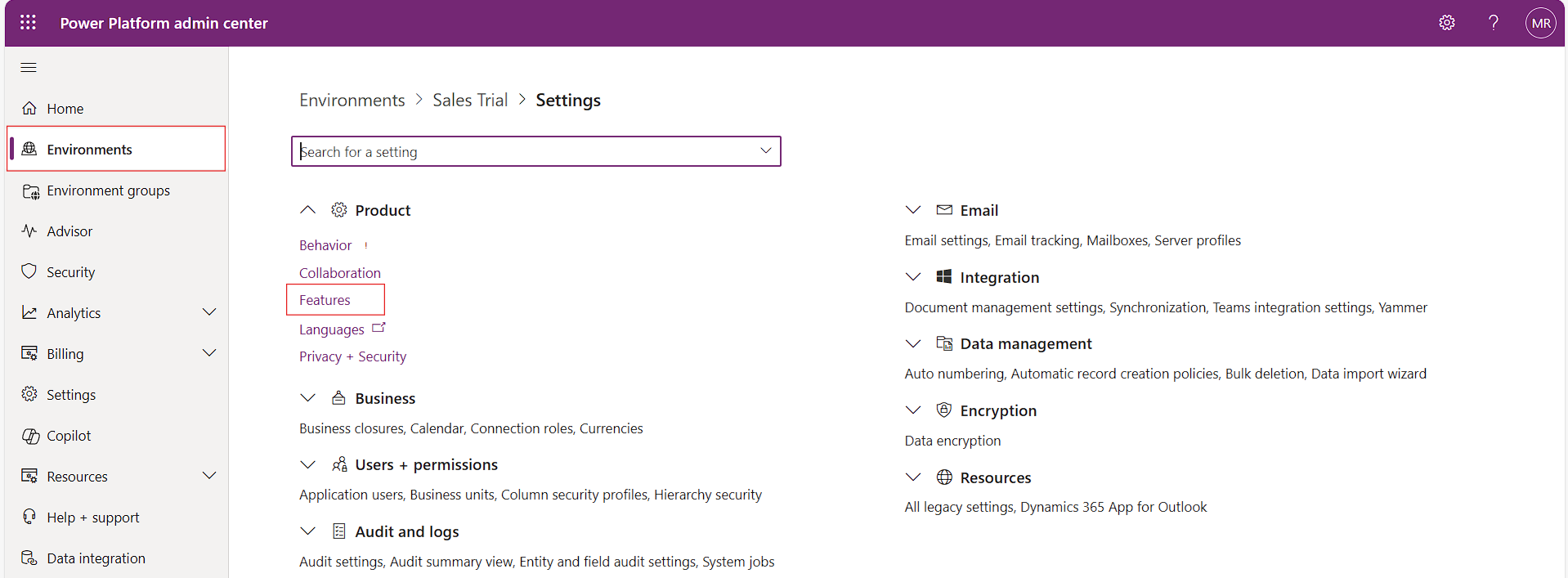
Click on Feature under Product.
Find the option for blocking unmanaged customizations and toggle it on.
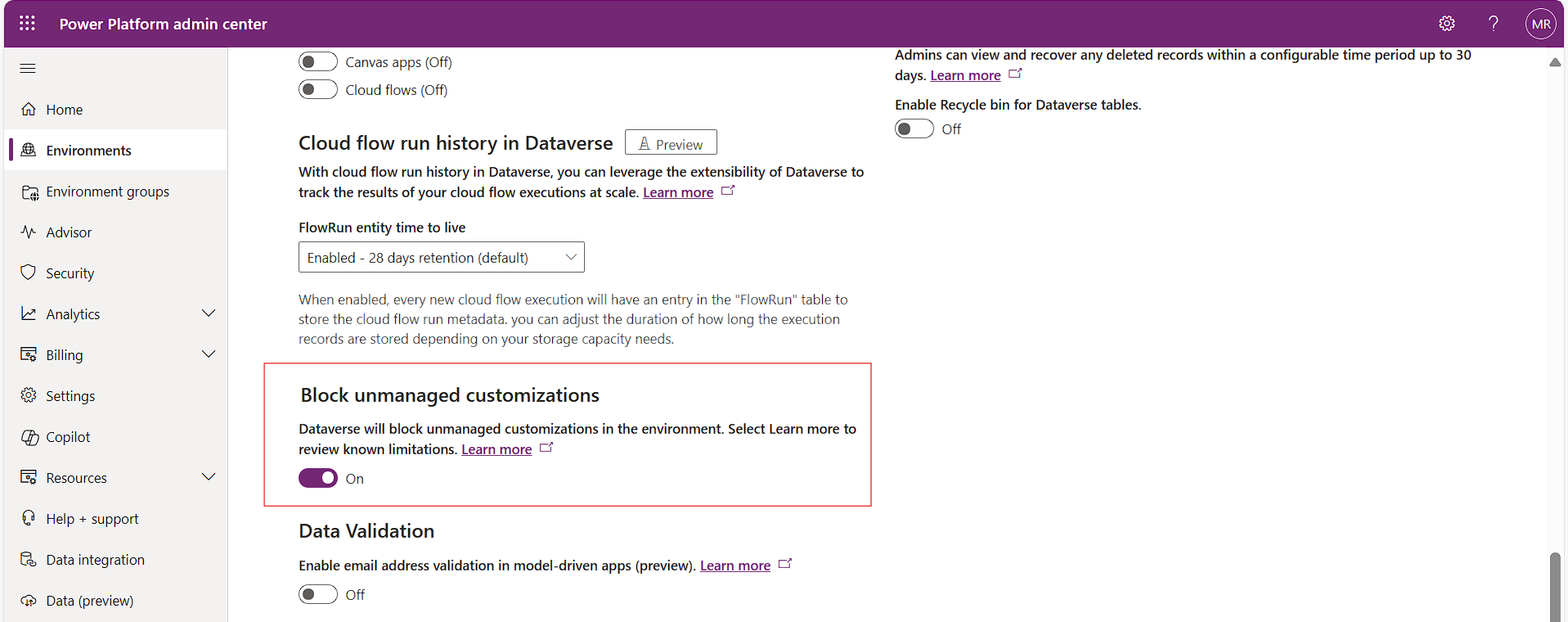
Save the settings to apply the feature.

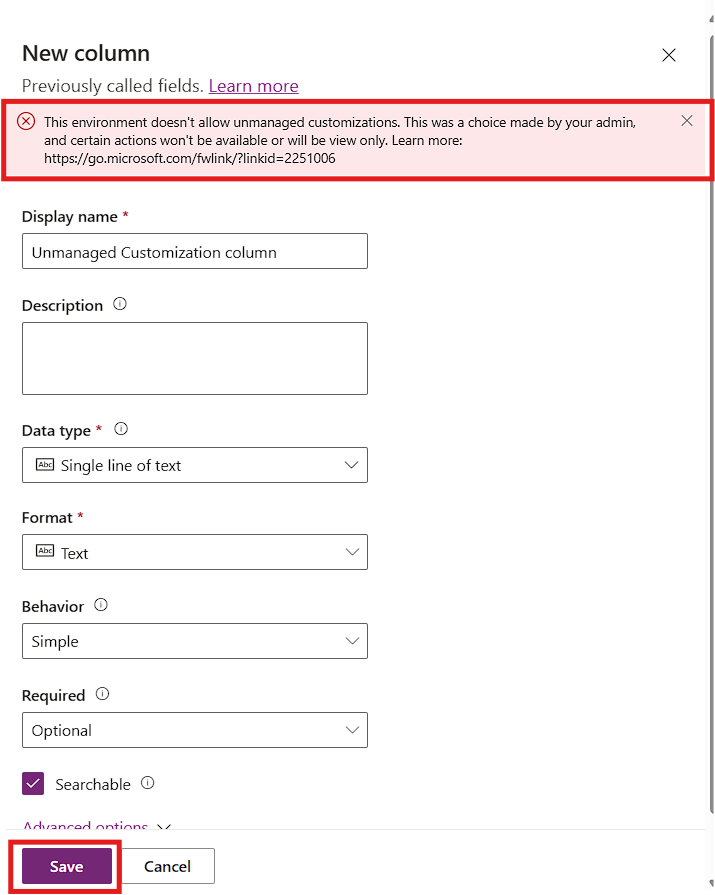
To test the Blocking Unmanaged Customizations, feature in Dynamics 365 CE:
Enable the feature in the environment settings as described above.
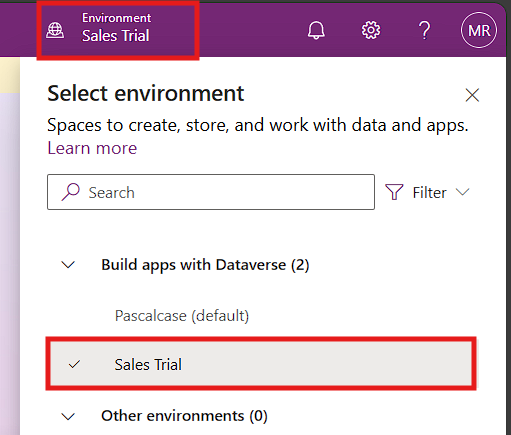
Go to make.powerapps.com and choose the required environment.