LogoLogo

Our Products

Metadata Browser

Edge Add-on

HTML To PDF Converter

Power Automate Connector

Data Mask for Dataverse

Dataverse App

Commission 365

Dynamics 365 App

AI Autocloser

Dataverse App

Flow Monitor

Power Automate App

ServicesAboutCareersBlogContact
Chat on Teams
Metadata BrowserHTML To PDF ConverterData Mask for DataverseCommission 365AI AutocloserFlow Monitor
ServicesAboutCareersBlogContactChat on Teams
HomeBlogExploring Copilot in Power Platform
Exploring Copilot in Power Platform

March 19, 2024
#PowerPages#Copilot
Ananya Puvvada
Exploring Copilot in Power Platform

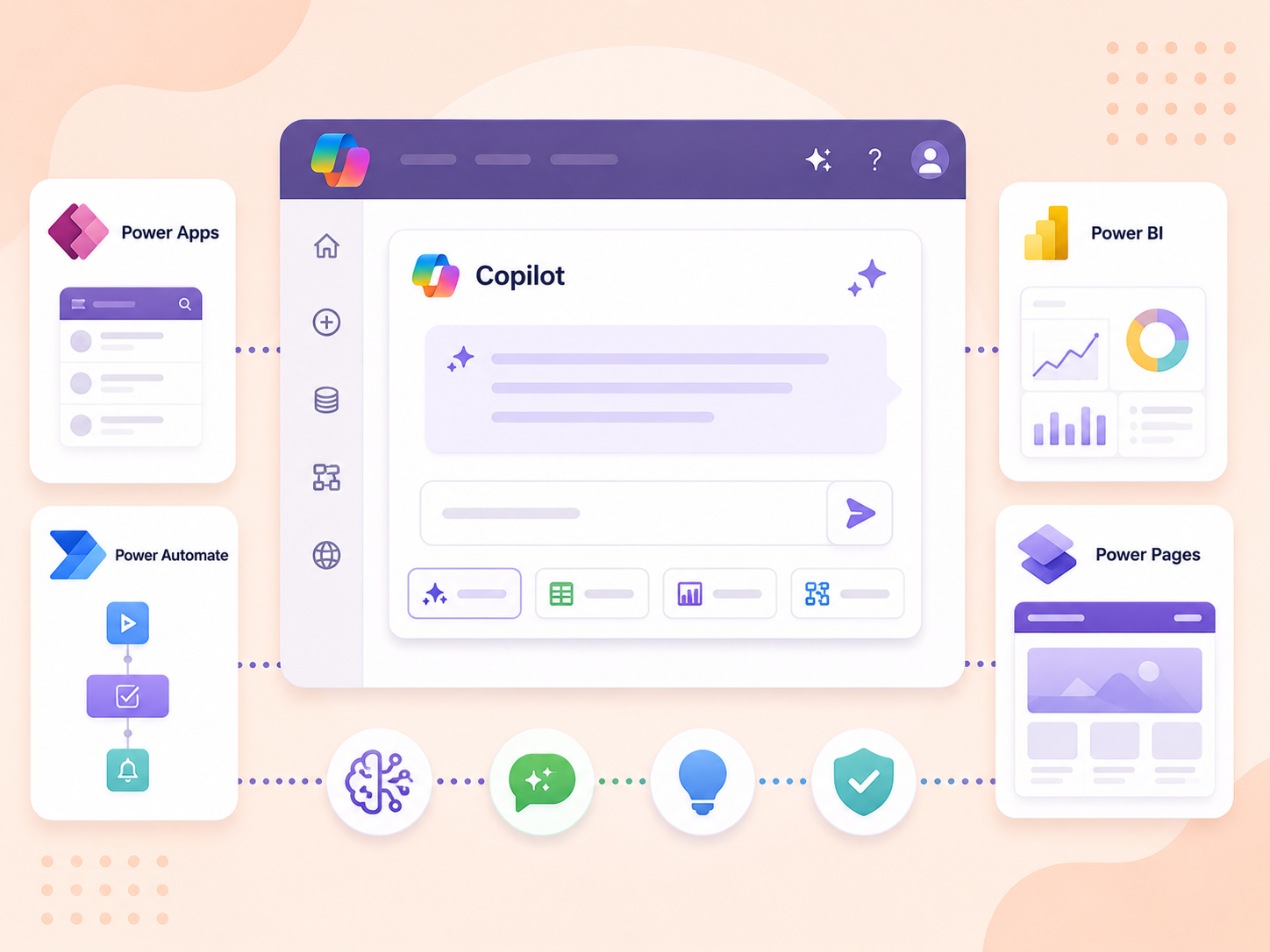
By embracing Copilots across various platforms, users can unlock new levels of efficiency within the Power Platform and Power Pages ecosystem. With intelligent assistance at their fingertips, creators and developers can easily navigate the complexities of development.

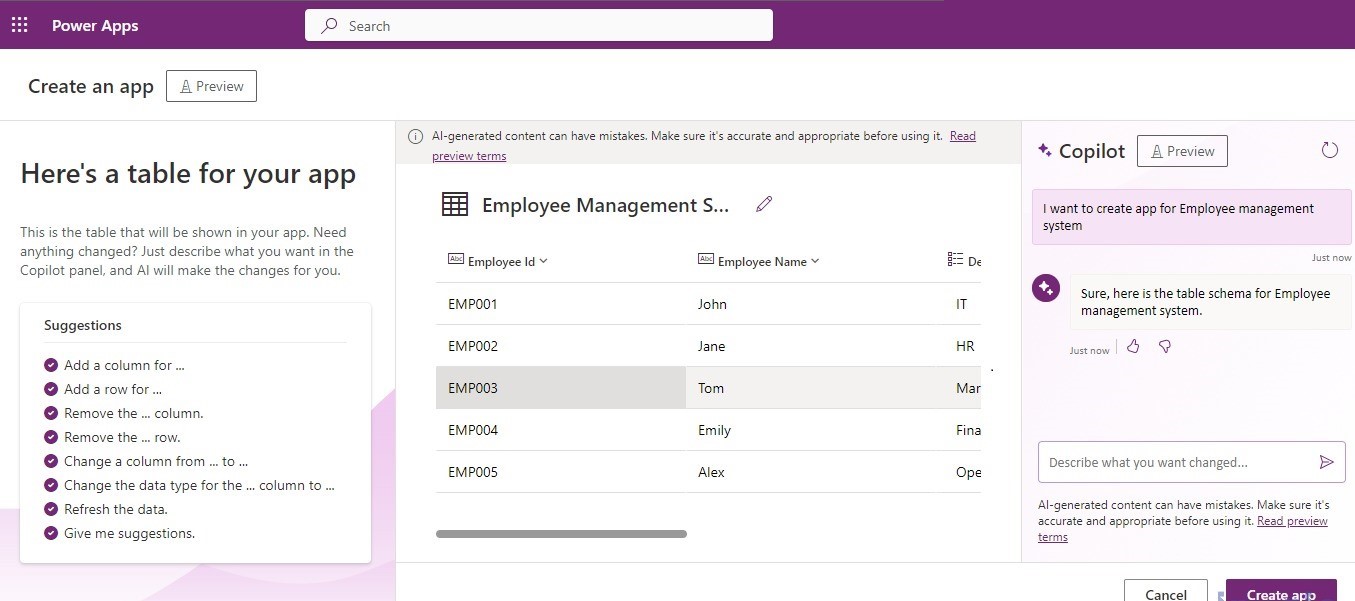
Copilot in Power Apps

The copilot in Power Apps is an AI-powered assistant that accompanies you throughout the app development journey. It utilizes generative AI and best practices to generate suggestions related to your data and preferences. Additionally, Copilot provides tips and feedback throughout the process, helping you learn how to create better apps more efficiently.

Using Copilot in Power apps, you will be able to:

  • Create new tables, columns, and relationships.

  • Generate formulas and expressions.

  • Provides recommendations for designing user interfaces, including suggestions for layout, styling, and interactive elements.

  • Publishing and sharing the app.

01 Power Platform and Power Pages

Copilot in Power Automate:

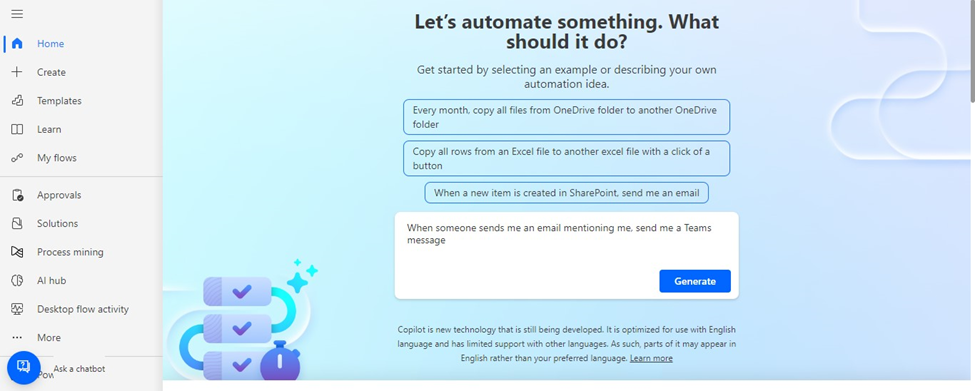
Copilot in Power Automate allows conversational experiences while creating your flows. Just by using natural language, you will be able to build and enhance everything from a simple flow to a complex, robust enterprise-wide process.

For example, describe your prompt to the copilot like “When someone sends me an email mentioning me, send me a Teams message.” and the flow is generated based on the prompt that is given.

Using Copilot in Power Automate:

  • Create automating workflows.

Need help with your business solution?

Our team can help you implement the right solution for your organization.

Get in touch
LogoLogo

Ex-Microsoft experts helping businesses get more from their Dynamics 365 and Power Platform investments.

Products

  • Implement conditional logic within flows.

  • Access and manipulate data from various sources.

  • Respond to requests to make changes to your flow.

  • Auto-set up connections

  • 02. Power Platform and Power Pages

    Copilot in power pages:

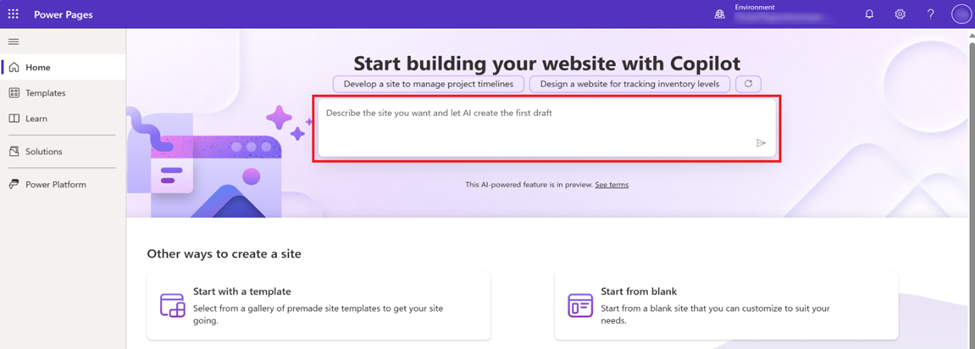
    Creators can utilize Copilot within Power Pages to generate sections of a website by providing instructions in natural language. This feature enables the rapid creation of new websites and modifications to existing ones.

    Using Copilot in Power Pages:

    • Create relevant website copy and suggest images for a webpage.

    • Retrieve protected website content for authenticated users and public website content for anonymous users.

    • Create forms and Dataverse tables.

    03 Power Platform and Power Pages

    Copilot creates the sitemap, site layout, home page, and themes when we build these sites.

    Back to all articles

    More from the blog

    Explaining and Creating formulas with Copilot on Power Apps

    Visualising Data Models in Power Apps with Copilot in an ERD View

    Use Copilot to build and edit apps in Power Apps Studio

    Build Your Personal Copilot with Microsoft Copilot Studio

    Generate Temporary Download URLs in Dynamics 365 Using GetFileSasUrl

    Enable Audio Playback in Dynamics 365 Contact Forms Using JavaScript

    Integrating Your Copilot Agent with Teams

    Adding Generative AI to your Cloud Flows with AI Prompts

    Metadata Browser
  • HTML To PDF Converter
  • Data Mask for Dataverse
  • Commission 365
  • AI Autocloser
  • Flow Monitor
  • Services

    • D365 Marketing
    • D365 Sales
    • D365 Customer Service
    • D365 Field Service

    Company

    • About Us
    • Blog
    • Contact
    • Careers

    Copyright ©2026 Pascalcase Software Private Limited. All rights reserved.

    Privacy PolicyTerms of Service