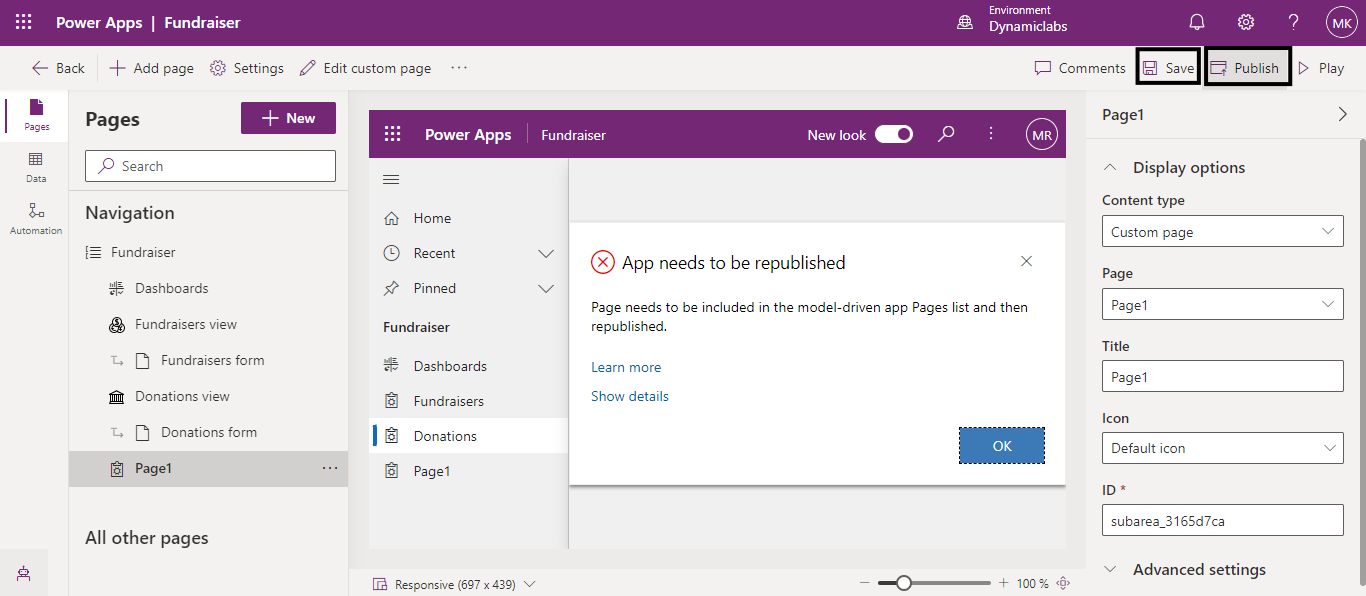
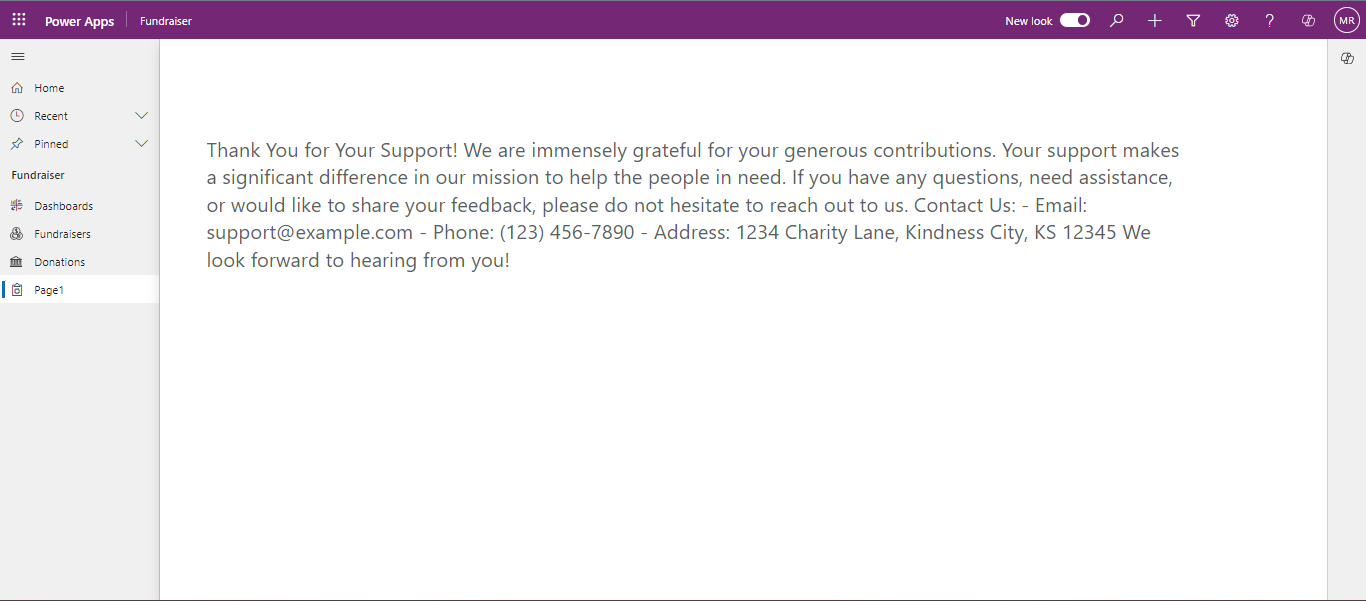
Adding a Custom Page to your Power Apps Model-Driven App
The custom page is a new page type within a model-driven app, which brings the power of canvas apps into model-driven apps and provides a low-code experience with flexible controls and more styling options. In this blog, you will learn how to add a custom page to your model-driven app in Power Apps.
Using a practical example, we will see how to create and integrate a custom page that enhances the functionality of your app. This example will demonstrate how to include specific information, such as notes, details, contact info, address, etc., which better suits your app's purpose.
Firstly, log in to https://make.powerapps.com.
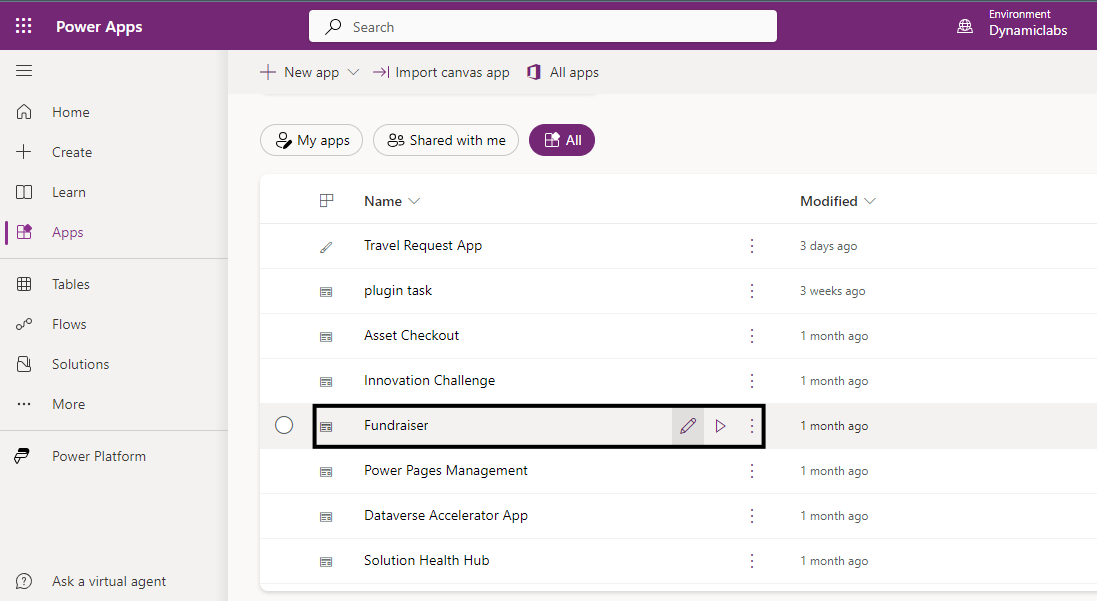
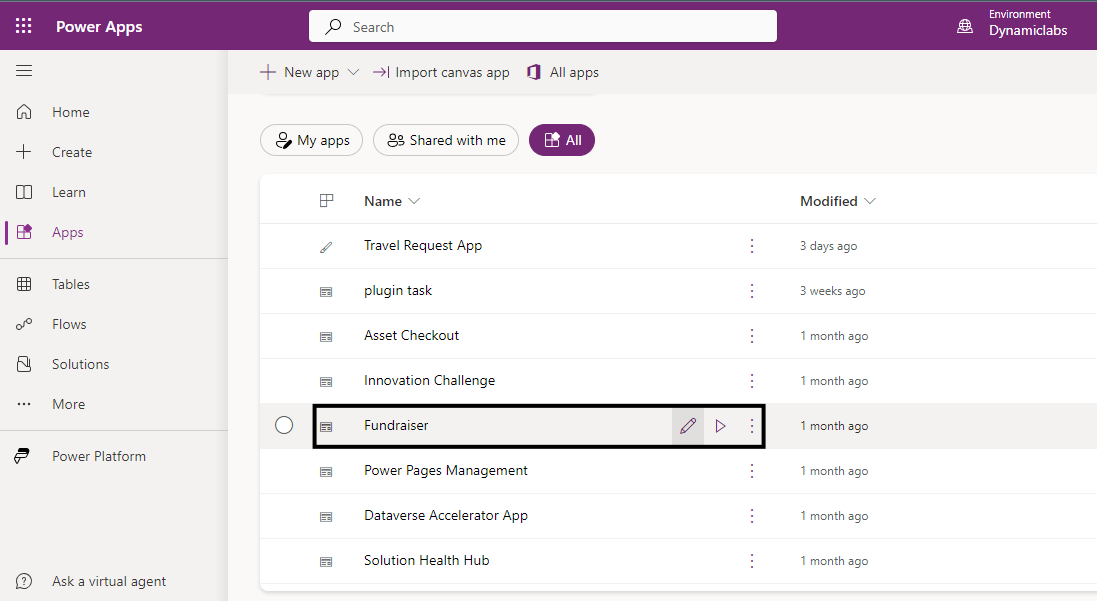
Choose a model-driven app. Here, I am selecting Fundraiser app. This app displays the details of Donations, Donors, and Fundraisers of an organization or a charity.
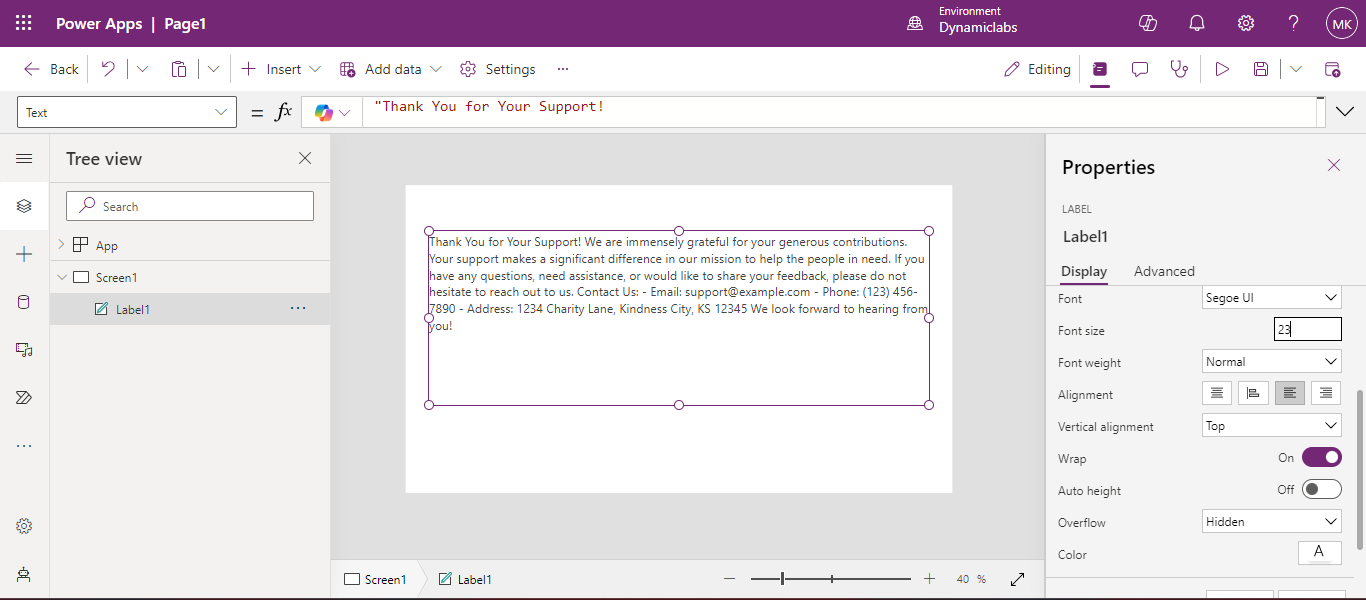
We will add a custom page to this model-driven app which displays a thank you note to contributors and donors. Now, click on the pencil icon to edit the app.
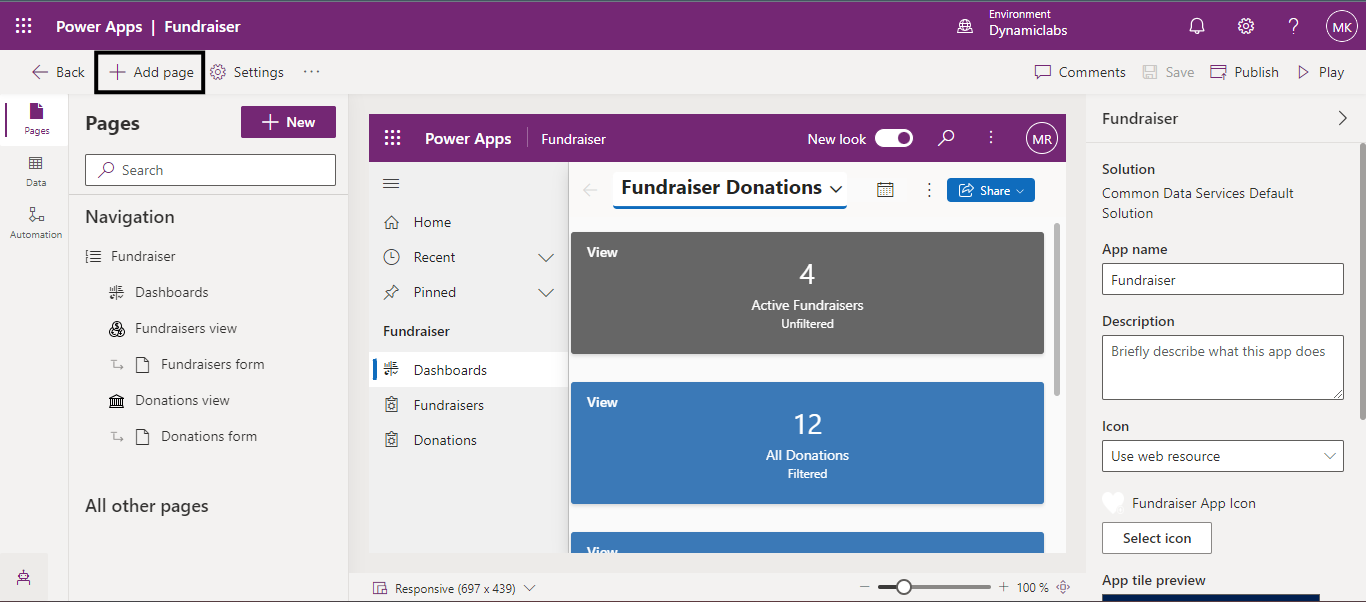
Next, click on Add Page.
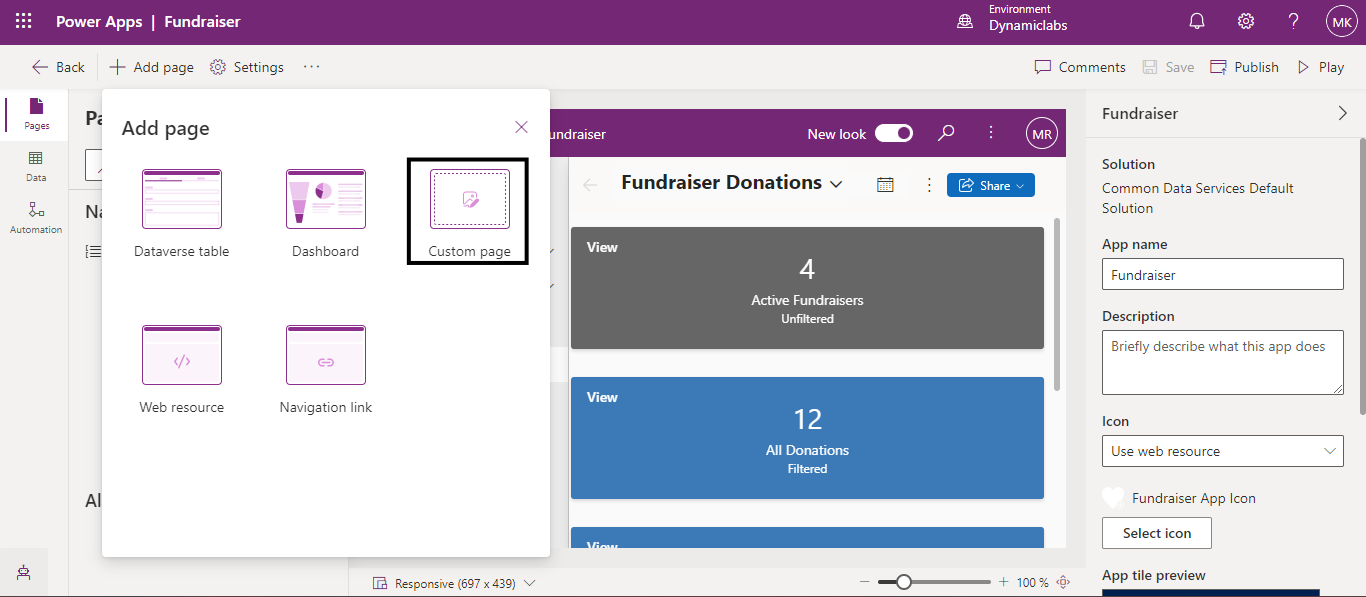
After clicking on the Add page, you will find multiple options, select Custom Page.
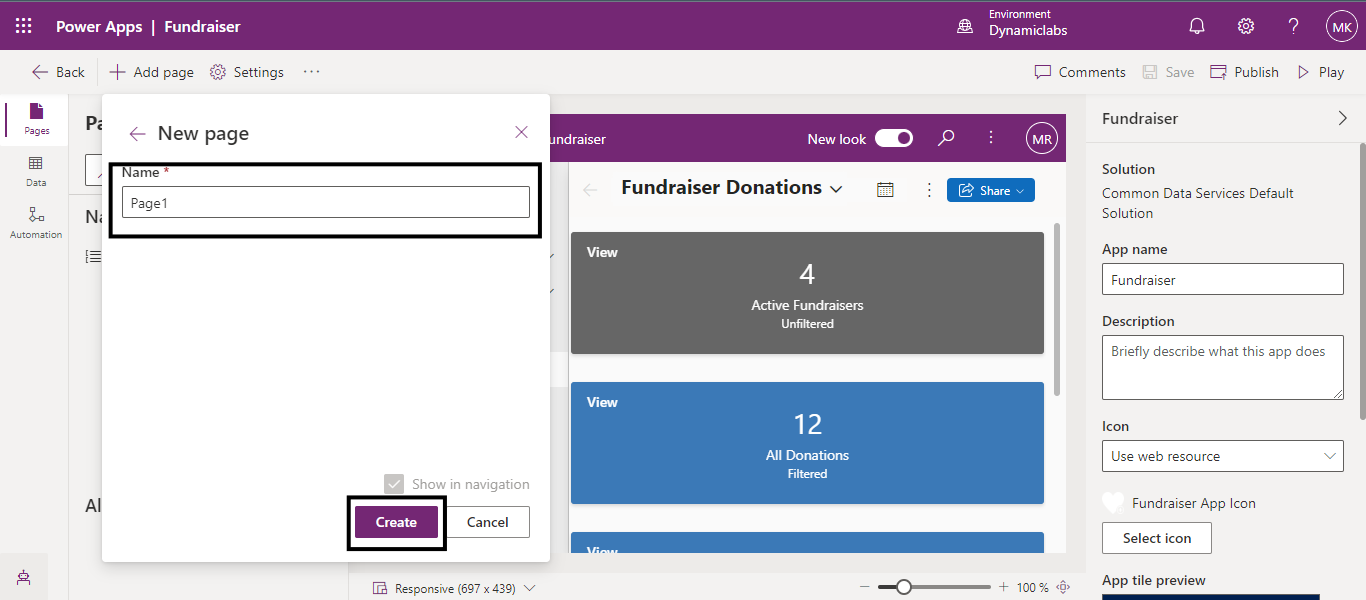
Name your custom page according to your requirements. Next, click on Create.