Power Apps: Code View feature in Canvas App
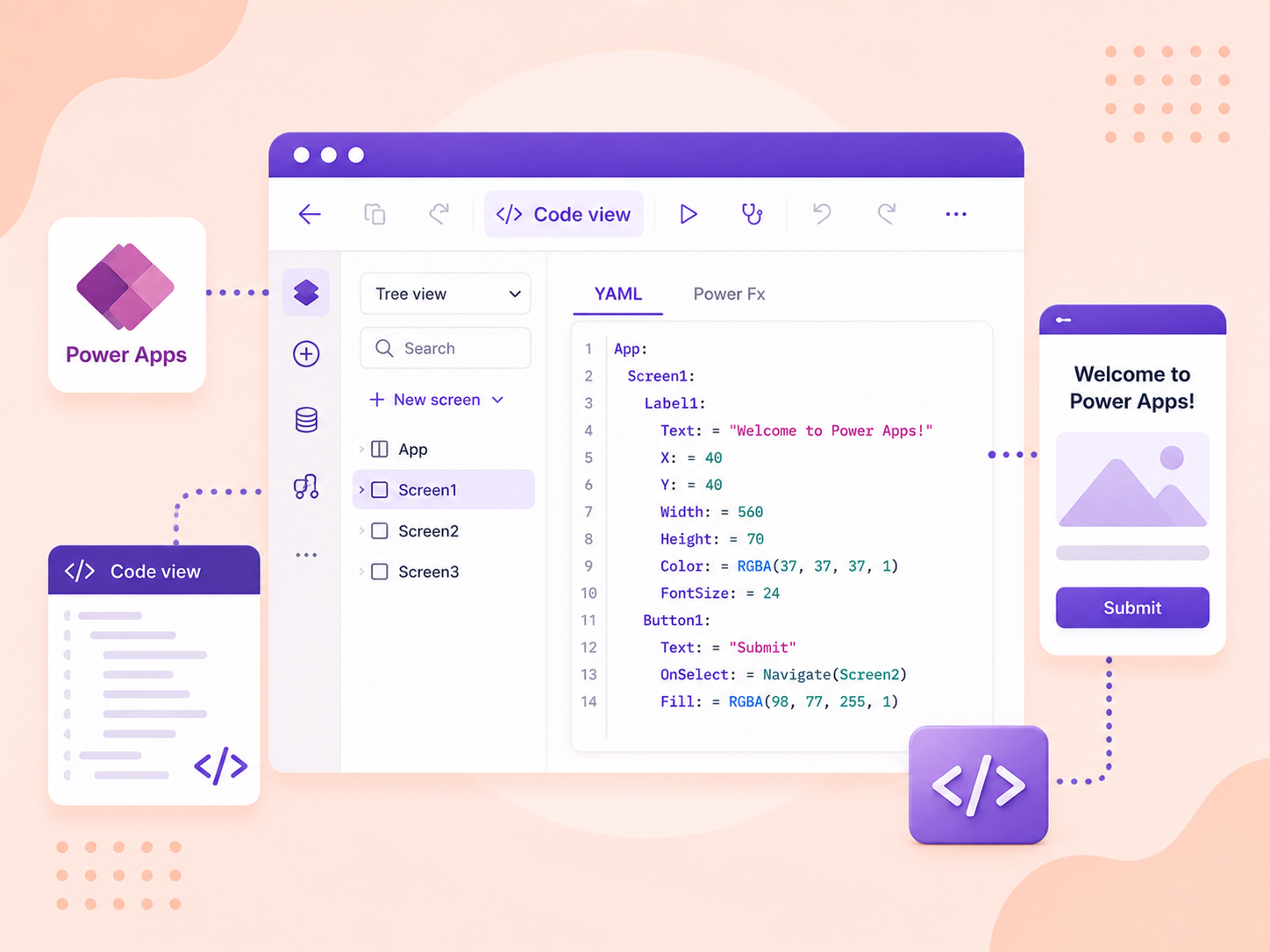
Microsoft Power Apps announced a new feature called Code View which allows developers to see and edit the underlying code behind their apps. This feature is especially useful for those who have a background in coding and prefer to work directly with the code for more precision and control.
Developers can now view and use the source code, in readable YAML + Power Fx format.
YAML (YAML Ain't Markup Language) is a human-readable data serialization language for all programming languages.
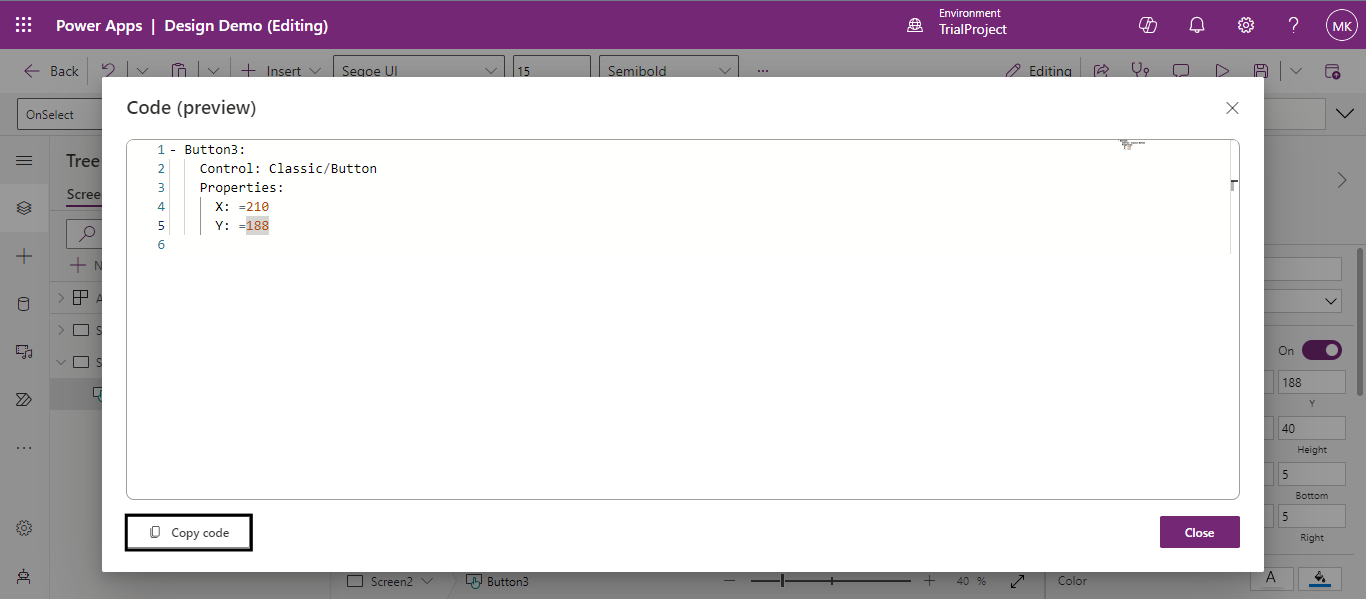
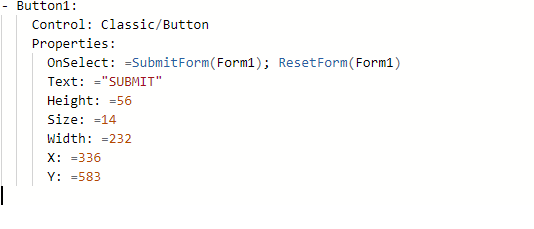
Example: A YAML code of a button in a canvas app looks like this.
Let’s see how we can use the code view feature in power apps.
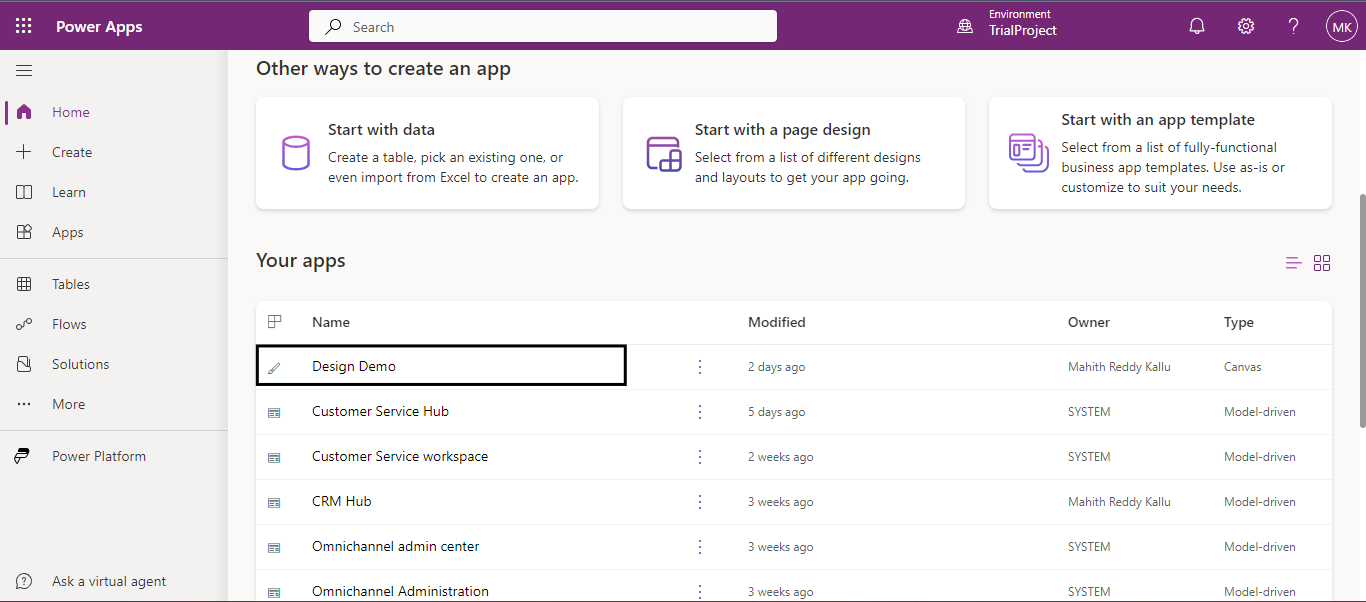
Firstly, Log in to Power Apps.
Click on any Canvas App to edit.
Add a button to the screen.
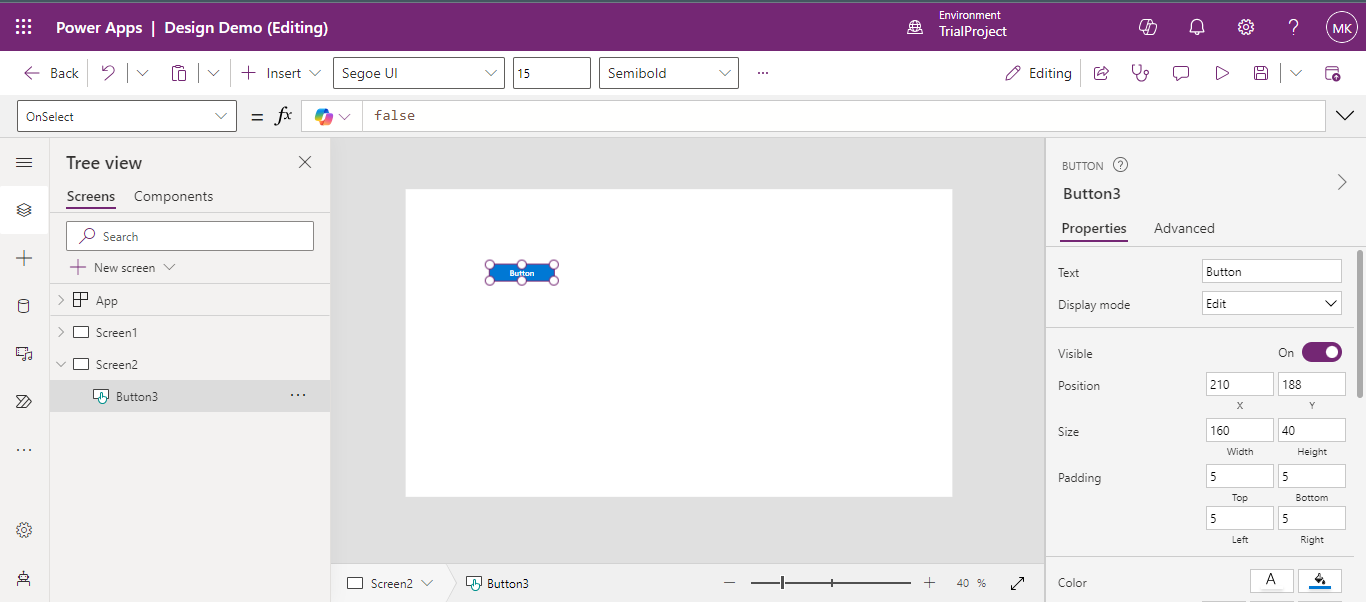
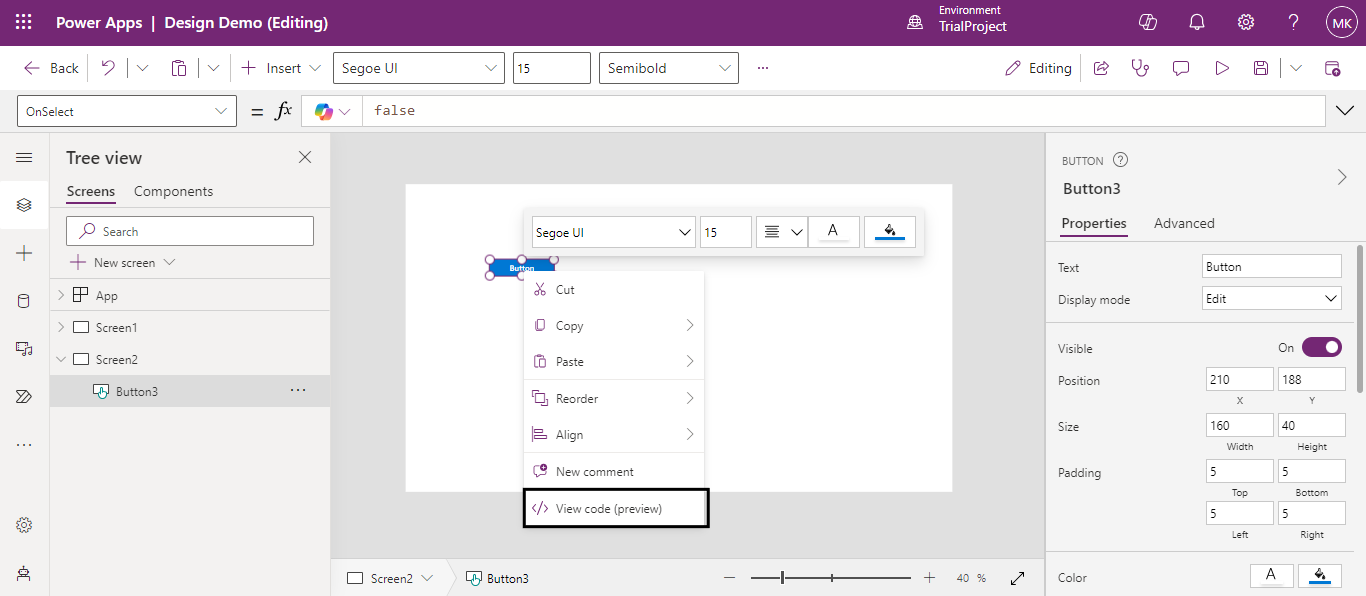
Now, right-click on the button to see different options. Here, click on View Code (Preview).
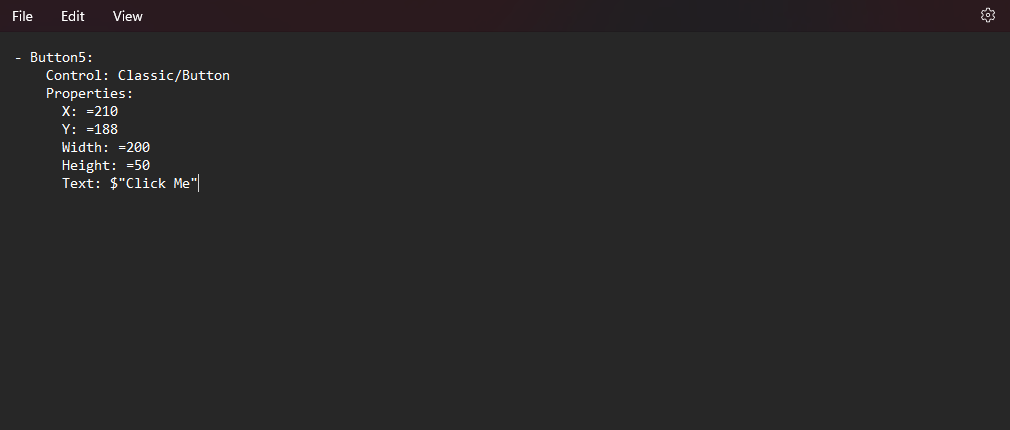
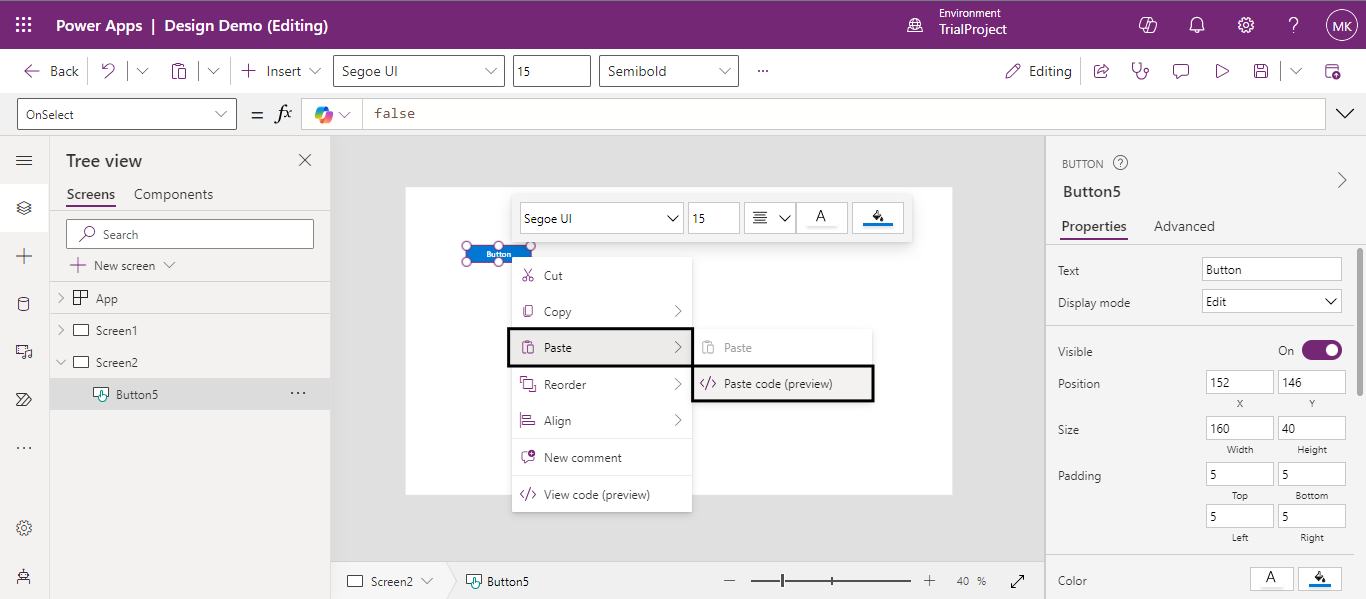
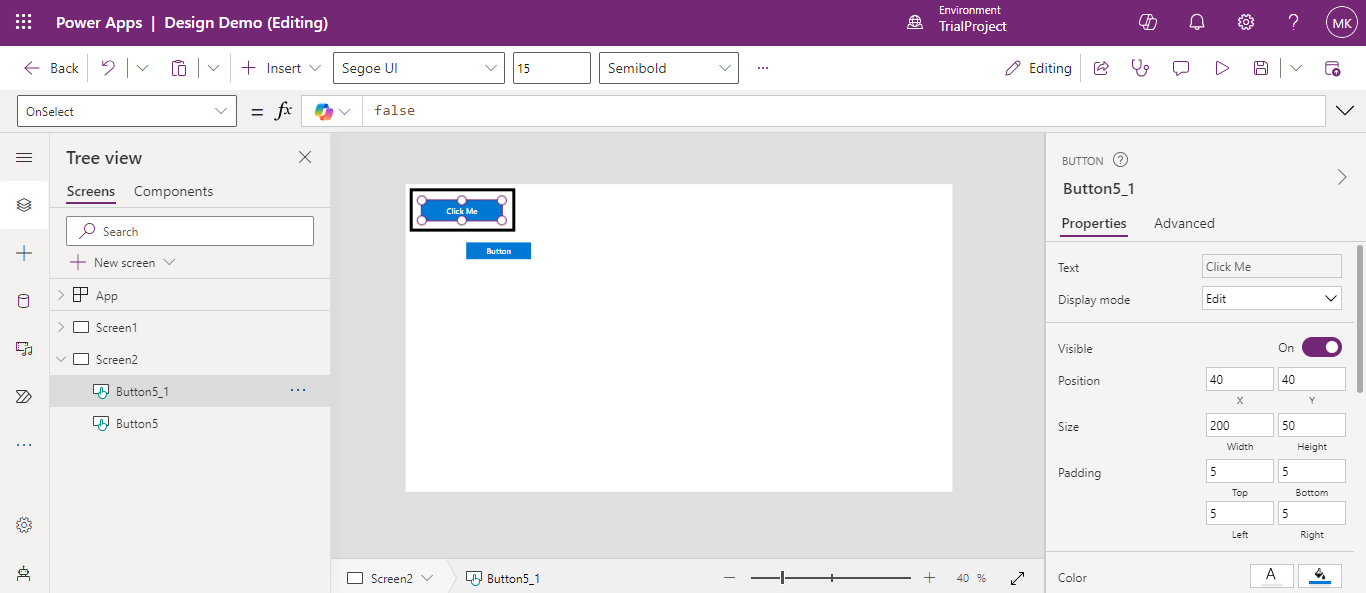
This is what the YAML code of a simple button looks like. Copy this code and paste it into an editor or Note pad to make your preferred changes.